Email Reminders
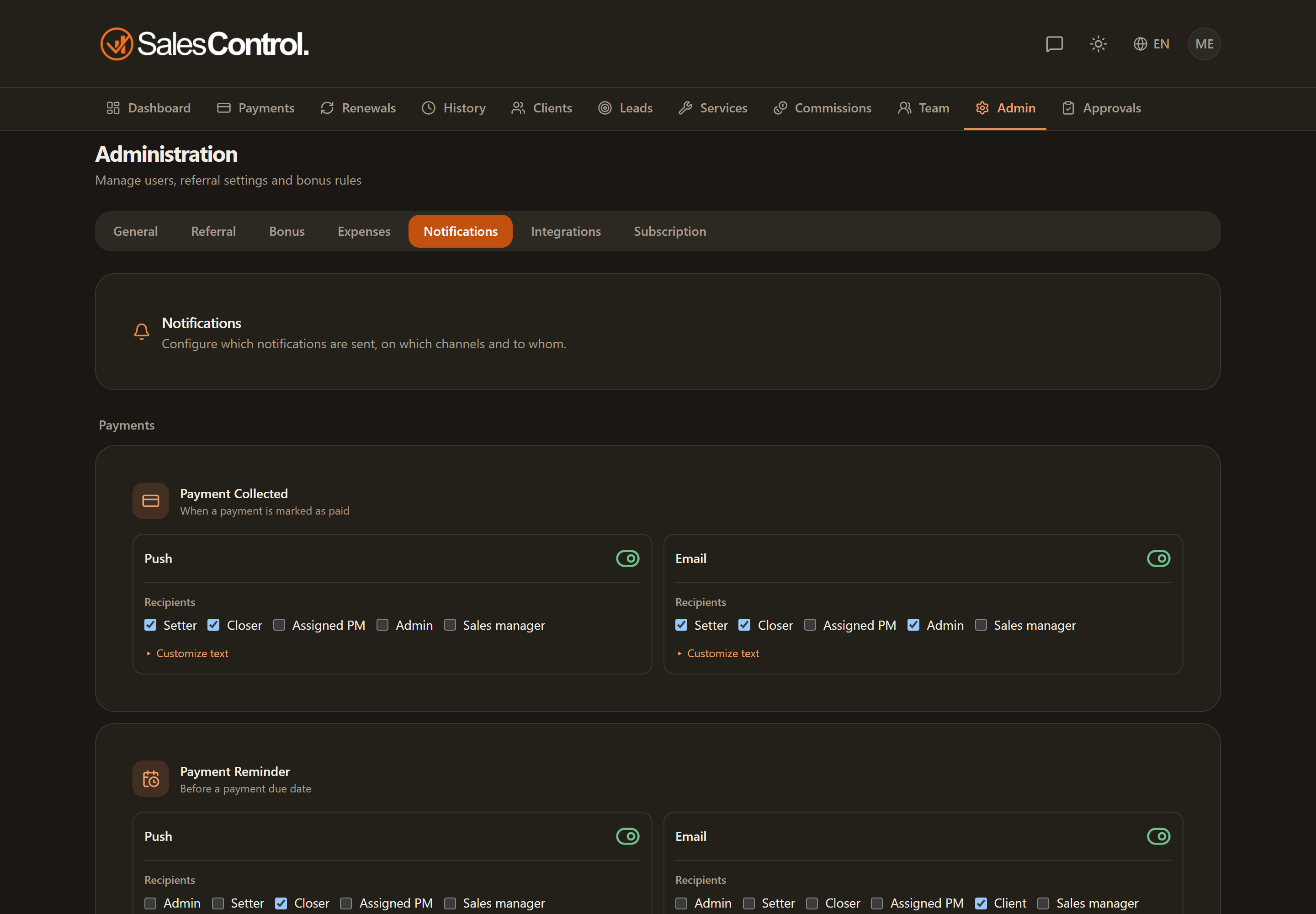
Reminders automatically alert, via email, when a payment or a renewal is coming due. From this page you choose whether to send them, to whom, with what text and how many days in advance.
This feature requires a paid plan (Starter and above). See Subscription Plans.
Where to find it
Open the Admin Panel and select the Email tab. The page is reserved for Admins.
The two reminders
You’ll find two independent blocks: Payments and Renewals. For each you configure:
- Email switch: enable or disable sending.
- Recipients: admin, salesperson and/or client.
- Subject and body of the message, written per role: one tab for every recipient you picked, so your back office and your client read two different texts.
Every recipient gets their own email, in their own language: admin, salesperson and client no longer share the “To:” field and no longer see each other. It is also why the text written in the “Client” tab now really counts.
For clients with a card saved on Stripe there is one more tab, Client (Stripe auto-charge), and a switch to not send them the reminder at all: the charge goes through by itself, and the only useful thing to tell them is how to update the card. See Reminders for Clients on Automatic Billing.
Templates with variables
In the subject and body you can insert variables that are replaced with the real data at send time, for example {{customer_full_name}} or {{payment_amount}}. This way a single template is personalized for each recipient.
Days in advance
The days set how far in advance the reminder goes out and are shared within each block. The defaults are 7/3/1 for payments and 30/14/7 for renewals: the email is sent at each of those distances from the due date.
Push version of the reminder
Besides email, a dedicated panel lets you send the push version of the same reminder, with admin and salesperson recipients (the client has no push notifications in the app).
Sender name
A card on the page sets the sender name under which emails appear to their recipients.
These are the time-based reminders. Event-based notifications (payment collected, new client, bonus…) are configured instead in Push and Email Notifications. Each recipient can still turn off the app’s emails from their own Email Preferences.