Email Preferences
SalesControl may send you emails: reminders (for example for an upcoming payment) and event notifications. Here we explain what they are and how to stop receiving them if you don’t want them.
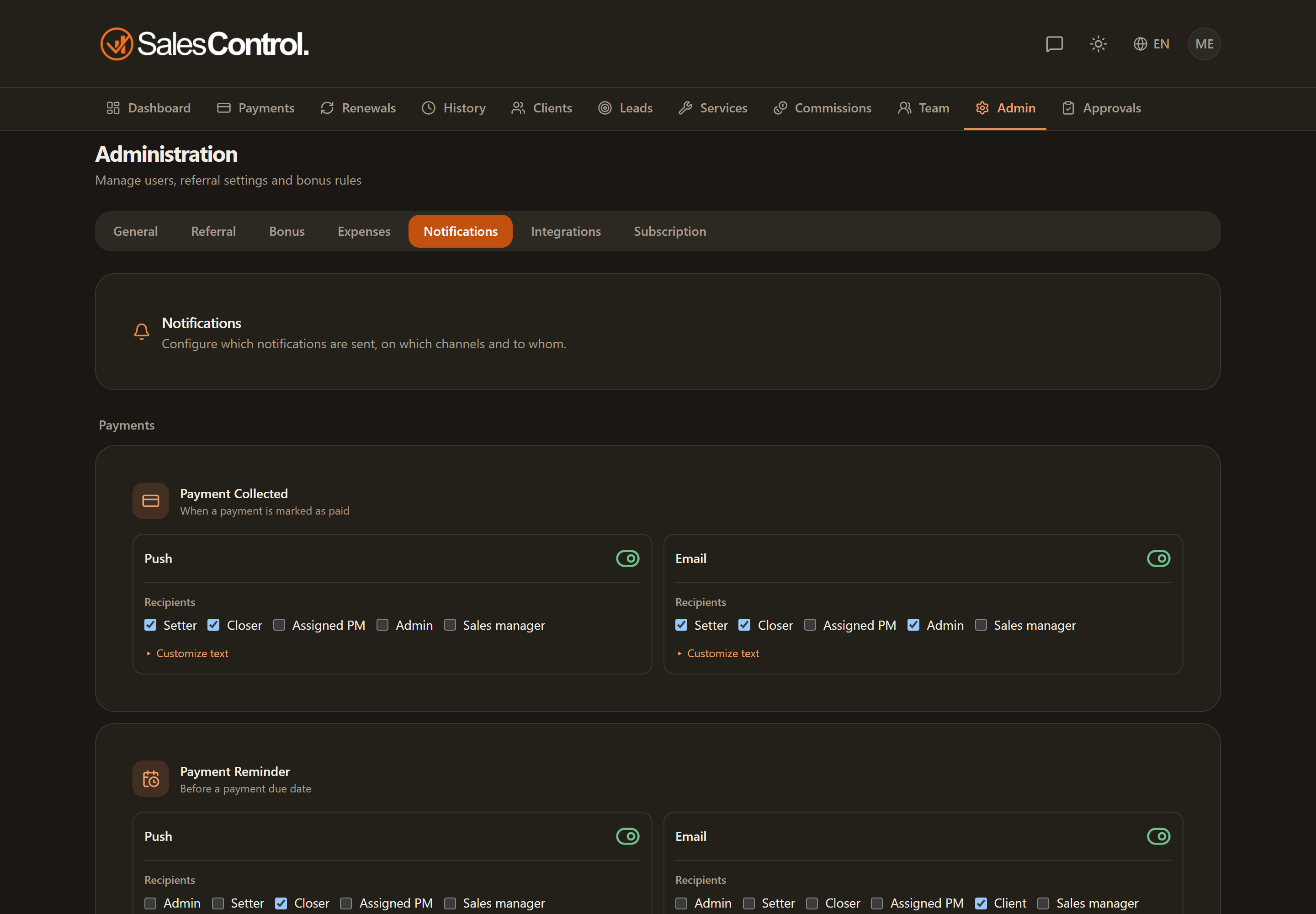
What emails the app sends
The app’s emails are mainly of two kinds:
- Time-based reminders: payment and renewal reminders, sent a few days before the due date.
- Event notifications: for example when a payment is collected or when you earn a commission (if the agency has enabled them on this channel).
Which emails go out, with which recipients and templates, is decided by the agency under Admin › Email and Admin › Notifications.
Turning off emails (opt-out)
At the moment there is no dedicated switch in Settings to turn off emails. Opt-out happens through the “Unsubscribe” link (List-Unsubscribe) found at the bottom of the emails you receive.
To stop receiving the app’s emails, open any email you’ve received and use the unsubscribe link at the bottom of the message.
Agency-side configuration
If you’re an admin and want to set the recipients and content of the emails, the configuration is under Admin › Email. See Email Reminders and Push and Email Notifications.