Privacy and Data (GDPR)
SalesControl lets you download a copy of your data and, if you wish, delete your account. These are tools designed to respect your privacy rights (GDPR).
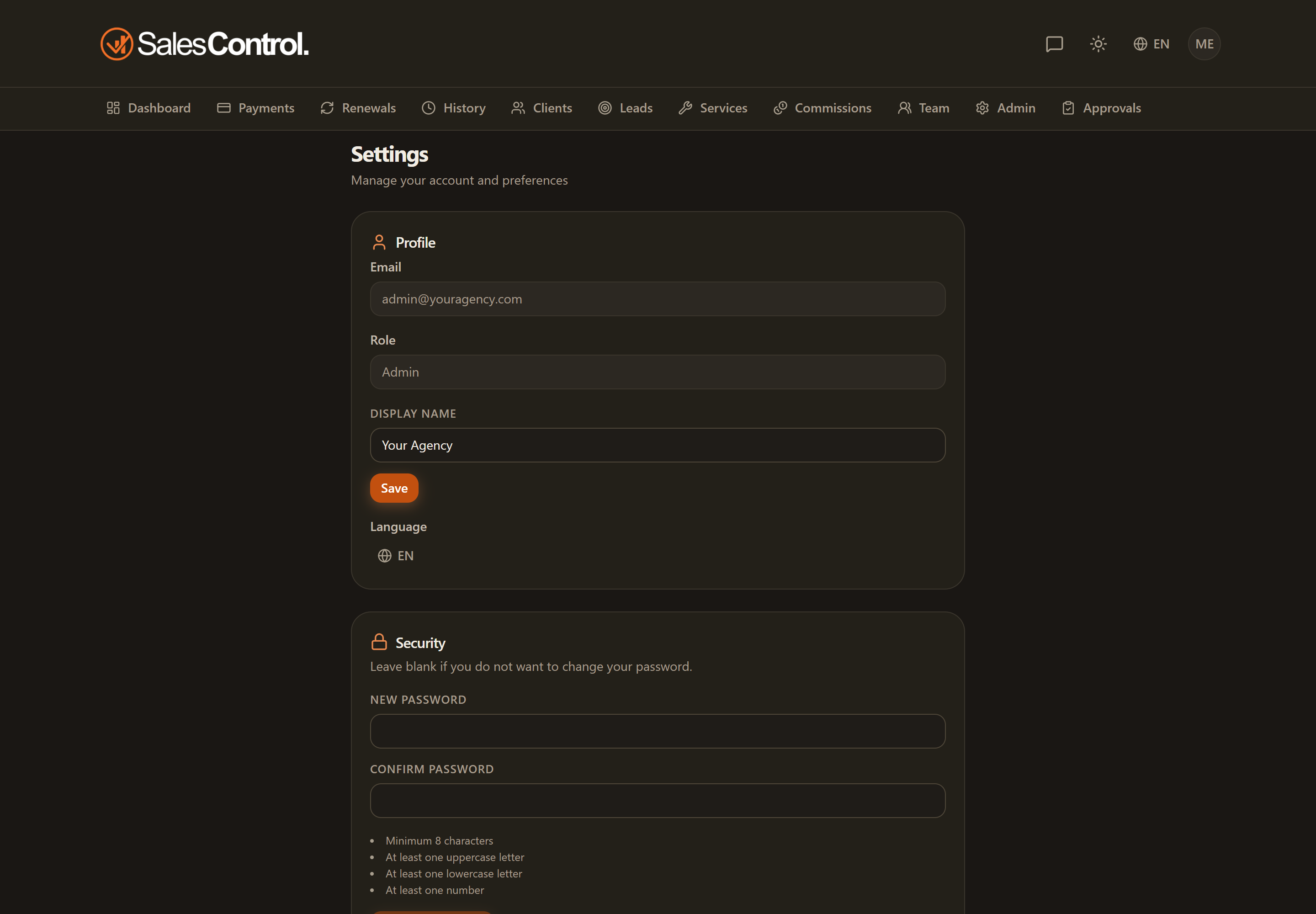
Where to find it
Go to Settings › Data and Privacy.
Exporting your data
The “Export your data” button downloads a JSON file with the data linked to your account. You can keep it or reuse it wherever you prefer.
Deleting your account
With “Delete account” you start the deletion. For safety you’re asked to type DELETE to confirm (the word follows the app language and is the one shown in the dialog). Your account is removed and your access revoked, then you’re logged out. If you are the agency’s only administrator, deletion isn’t possible: appoint another administrator first.
Deleting your account is a permanent action. The explicit request to type DELETE exists precisely to prevent accidental deletions: proceed only if you’re sure.
Email and communications
If you only want to stop receiving the app’s emails (and not delete your account), manage the opt-out as explained in Email Preferences.