Subscription Plans
SalesControl offers a free plan and three paid plans, which differ in their user and client limits and in the features included. Every agency starts on the Free plan, then chooses the plan that fits best.
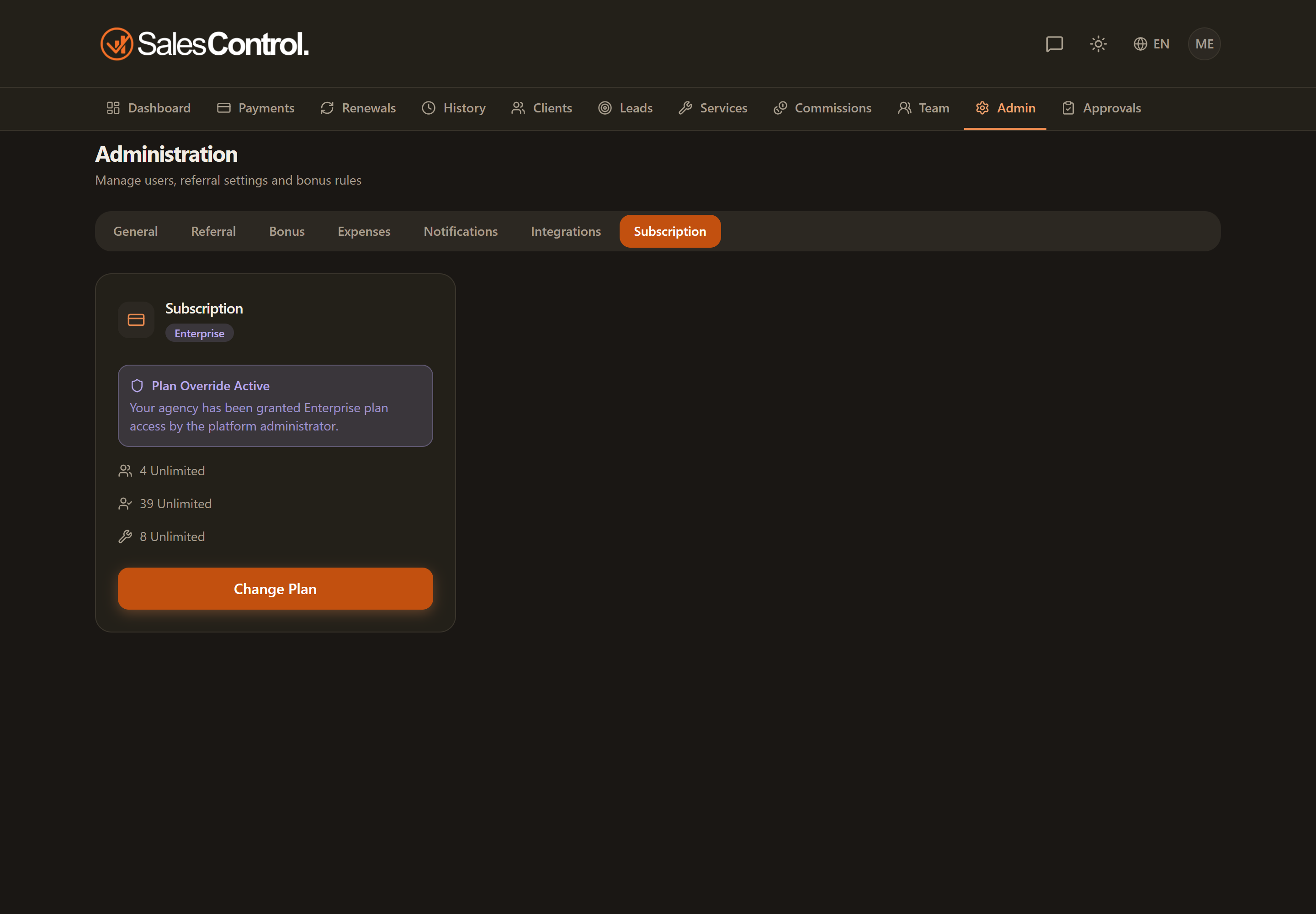
The four plans
There is a free Free plan plus three paid plans. Paid plans are billed monthly or yearly: choosing yearly saves you about 20% compared with 12 monthly payments.
| Plan | Monthly | Yearly | Users | Clients |
|---|---|---|---|---|
| Free | Free | Free | 1 | 10 |
| Starter | €29/month | €279/year | 5 | 50 |
| Professional | €79/month | €759/year | 15 | 200 |
| Enterprise | €149/month | €1,429/year | Unlimited | Unlimited |
What each plan includes
- Free — dashboard & analytics, clients & payments management, renewal management. 1 user, 10 clients.
- Starter — all Free features, plus team & commissions, trials & campaigns, contract pauses & audit timeline, configurable notifications and email support.
- Professional — all Starter features, plus the bonus system, the referral program, custom reports, multi-currency, expenses & Stripe reconciliation, and live-chat support — where the SalesControl AI assistant replies right away, based on the help center guides.
- Enterprise — all Professional features, plus the custom logo, the client portal with chat, custom email templates, and priority live-chat support (here too, the SalesControl AI assistant is the first to reply). Unlimited users and clients.
Which plan you need for each feature
Some features are only available from a certain plan up. If you don’t see one of these sections in the app, the reason is almost always your plan.
| Feature | Minimum plan |
|---|---|
| Team & commissions | Starter |
| Trials & campaigns | Starter |
| Contract pauses & audit timeline | Starter |
| Configurable notifications | Starter |
| Bonus system | Professional |
| Referral program | Professional |
| Custom reports | Professional |
| Multi-currency | Professional |
| Business expenses | Professional |
| Stripe reconciliation | Professional |
| Custom logo | Enterprise |
| Client portal with chat | Enterprise |
| Custom email templates | Enterprise |
Features not included in your plan
A feature your plan doesn’t include doesn’t disappear: it tells you what you’re missing. You see its name, a line on what you do by hand today, three practical benefits, the plan that includes it with its monthly price and the Switch to <Plan> button, which opens Settings › Subscription with that plan already highlighted. Only the agency admin sees the button: other members read that only the administrator can change the plan.
- Settings: each tab shows everything you can use first; at the bottom, in the On a higher plan section, the locked features, from the nearest plan to the furthest. Fully locked tabs sit at the end of the tab bar, with a padlock.
- Side menu: pages outside your plan leave their group and move to the last group, On a higher plan, with a padlock. They stay clickable and show what the page offers.
- Single buttons (for example “Pause” on the client page): they stay where they are with a padlock; clicking one opens a small window with the explanation, without running the action.
After you upgrade, every feature goes back to its own place, in its own group.
Free trial and Free plan
Every new agency starts on the Free plan (1 user, 10 clients) with no credit card — and it stays free forever. When you’re ready, choose a paid plan to unlock the advanced features: paid plans include a 30-day free trial that requires a card — €0 is charged today and the first payment is taken on day 30 unless you cancel first (self-service, from the Stripe billing portal). If you cancel — before or after the trial — you simply move back to the Free plan: your data is kept and never deleted. If you hold more users, clients or services than the Free plan includes, though, the agency stays on hold until you pick a plan that covers them — see below.
If you go over your plan limits
Plans cap the number of users, clients and services. While you stay within them nothing changes; go over — usually by dropping to a smaller plan while holding a bigger plan’s data — and the agency is put on hold until things fit again.
On hold you see a single screen telling you exactly how many users, clients and services you have and how many your plan includes. From there you can:
- move to the plan that covers what you already have — the right one is offered, not the most expensive;
- export your data, which stays exactly where it is and is never deleted;
- sign out and back in with another account.
Team members never see the commercial details: they read that the agency is on hold and to contact their admin.
When you pick a plan smaller than what you need, SalesControl says so beforehand: plans that cannot hold your numbers are disabled in the picker, and the switch is refused. The wall only shows up when the plan changes some other way — a cancellation, or a payment that does not go through.
One last thing about the custom logo, included only in the Enterprise plan: on a lower plan it stops appearing and is removed. Come back to Enterprise later, upload it again, and your branding is back in place.