Grace Period and the Free Plan
Your account is never locked for billing reasons. If a payment fails or you cancel, your account simply moves to the Free plan — your data is kept. Here’s exactly what happens and how to go back to a paid plan.
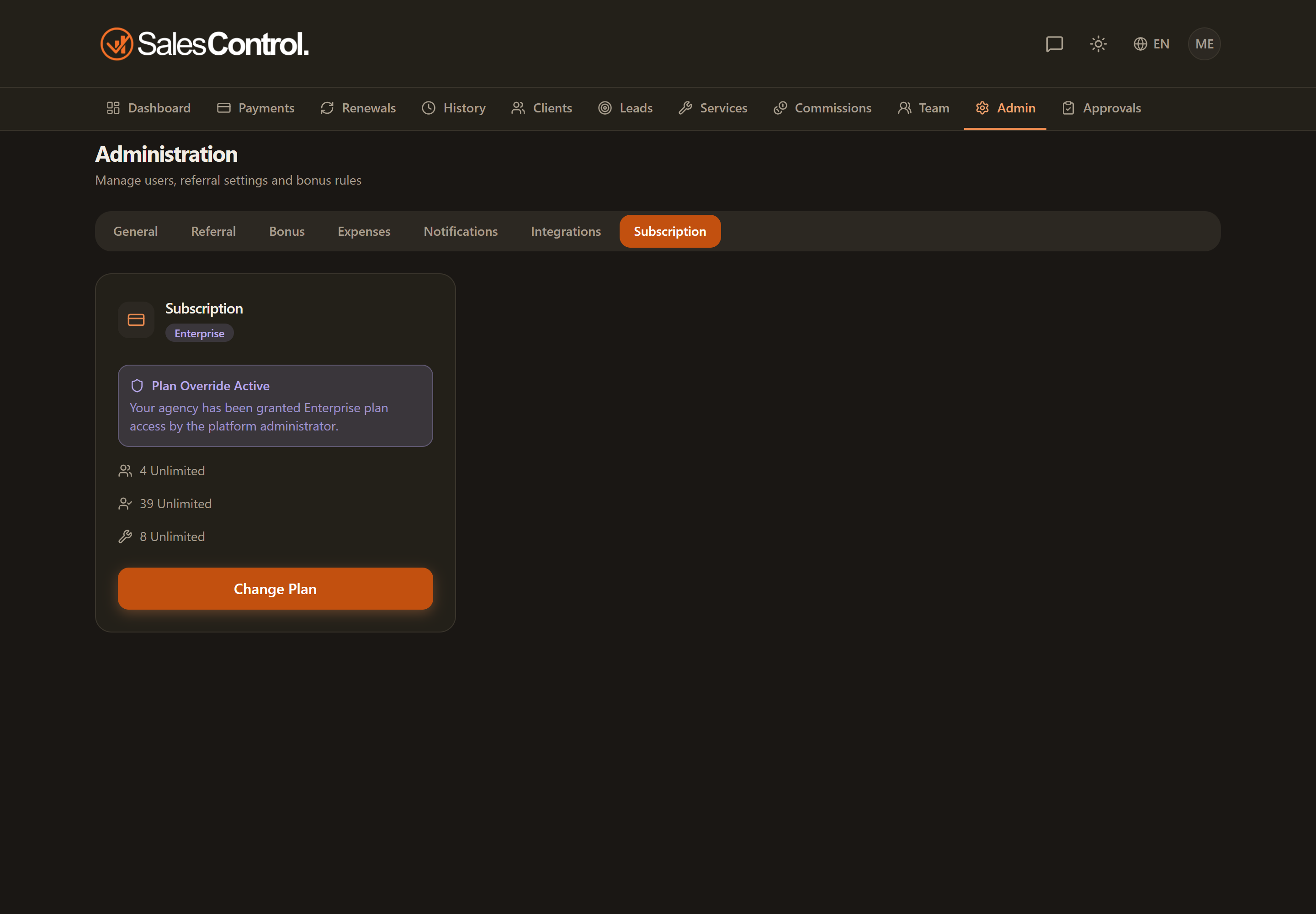
If a payment fails or you cancel
Here’s what happens in each case — in none of them is your account locked:
- Payment failed: you first get a grace period of about 7 days (the account stays fully active, with a warning banner) to update your card. If it isn’t resolved, your account moves to the Free plan.
- Cancellation, or a paid-plan trial that ends without an active subscription: your account moves to the Free plan at the end of the period.
- On the Free plan your data is kept and you keep full access within the Free limits (1 user, 10 clients); the advanced features simply show an upgrade prompt.
What you see on screen
During the grace period a warning banner invites you to update your payment method — the app stays fully usable. Once the account is on the Free plan, everything keeps working within the Free limits, and features from higher plans show an “upgrade” prompt instead of being blocked.
A full-screen block only appears in the rare case of a manual suspension by SalesControl (for a violation of the Terms) — never from the normal billing cycle. See Account Suspended.
How to go back to a paid plan
As an admin, open Admin › Billing and choose a plan, or update the payment method from the Stripe portal. See Managing Your Subscription.
If you need help with your plan or payment, write to info@salescontrol.app.