Managing Your Subscription
From a single card the admin sees the status of the agency’s subscription and can change plan or manage the payment details. Here’s what it shows and what you can do.
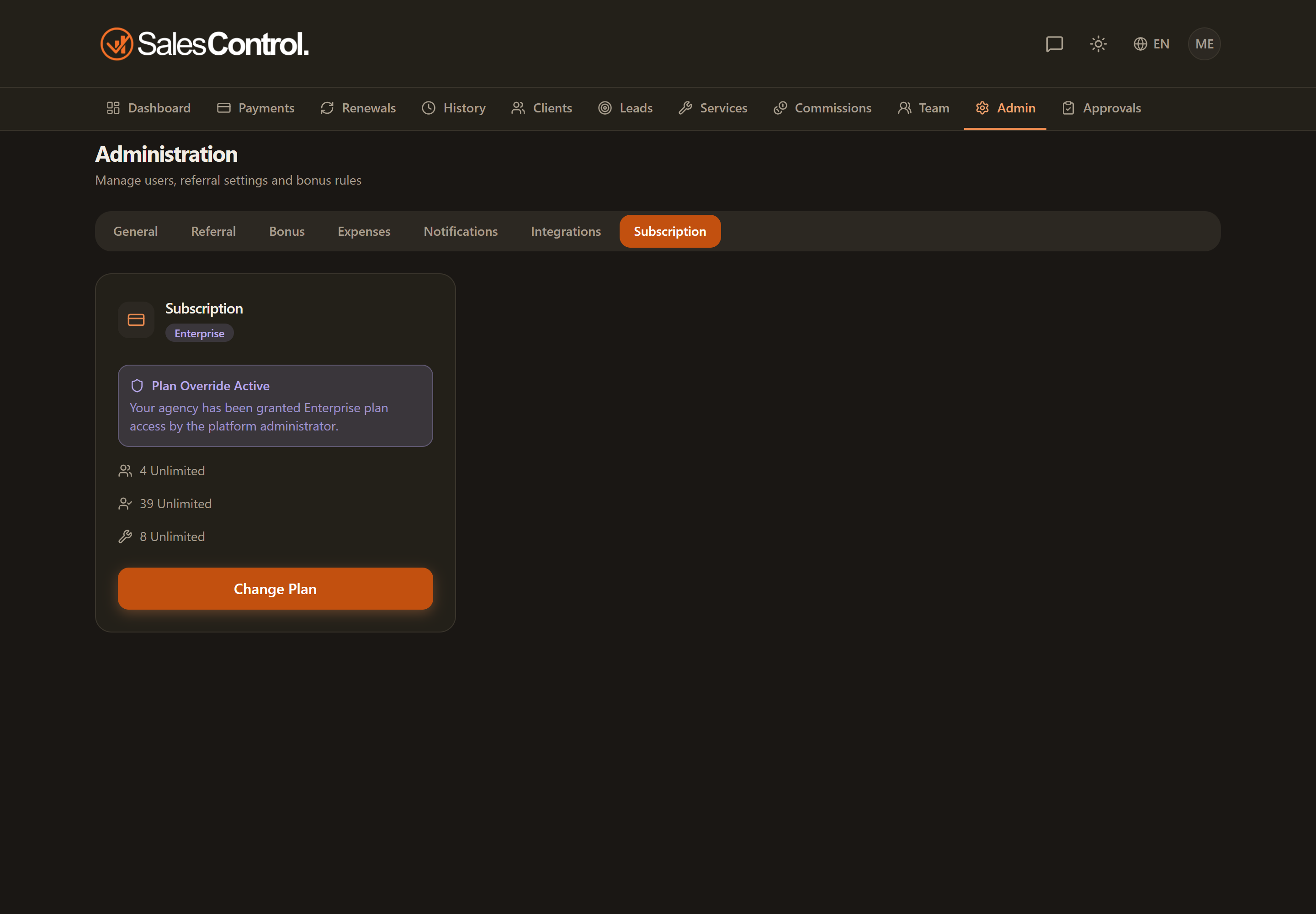
Where to find it
Go to Admin › Billing. The subscription card summarizes the current status.
What the card shows
- The active plan and the interval (monthly or annual).
- The users used out of the total available (X/Y).
- The clients used out of the total available (X/Y).
- The next renewal date.
- The free trial countdown, if you’re still on trial.
Changing plan
With “Change plan” you choose the monthly or annual interval among the three plans (Starter, Professional, Enterprise). See the details in Subscription Plans.
Managing payment and invoices
With “Manage subscription” you open the Stripe customer portal, where you update the card and view your invoices.
Note
Managing the subscription is reserved for the agency admin.