Configure a Member’s Commissions
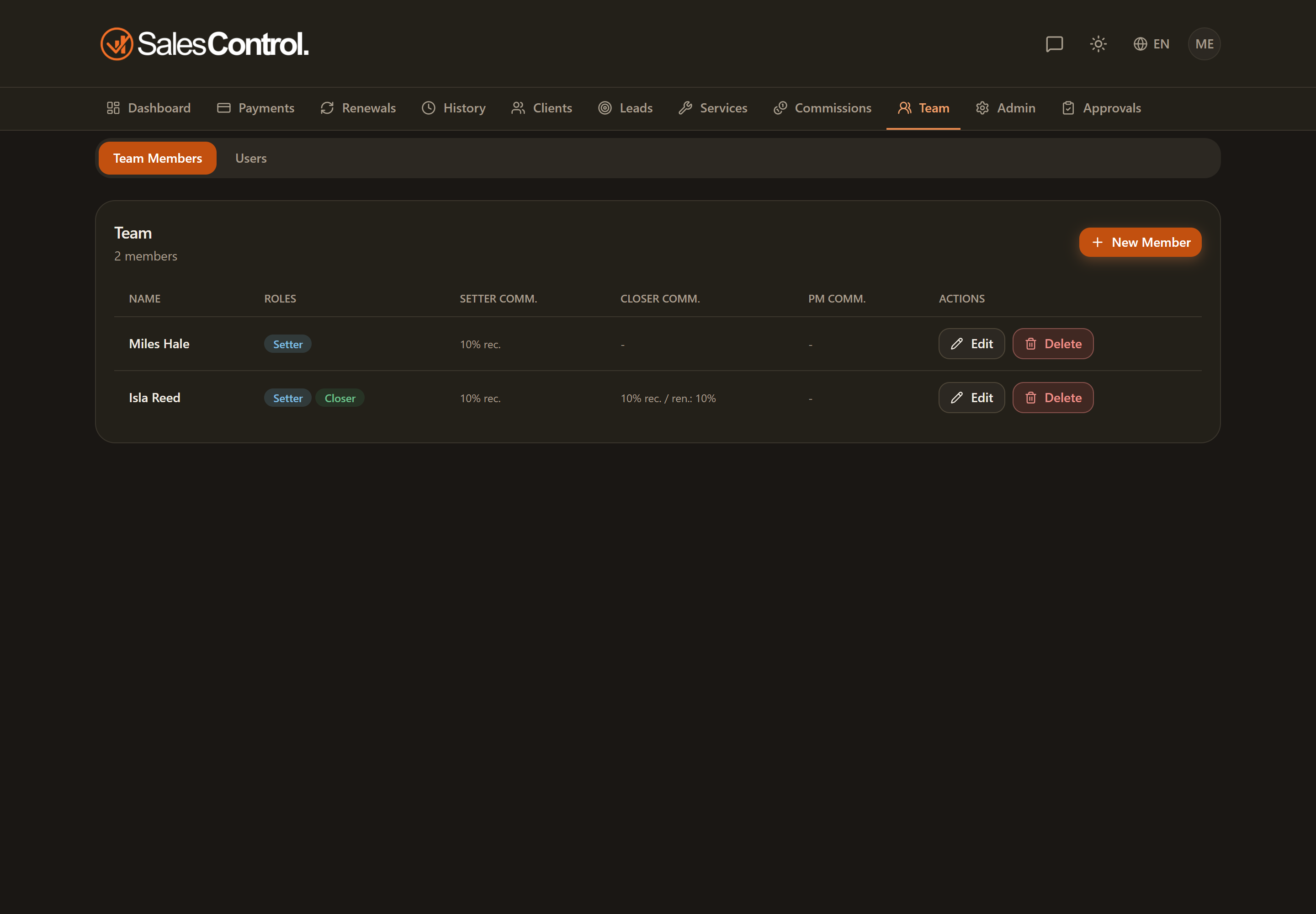
Commissions determine how much a team member earns when their clients’ payments are collected. In SalesControl they are configured per member and for each of their roles, directly in the member’s card under Team.
This feature requires a paid plan (Starter and above). See Subscription Plans.
Where to configure them
Open the member’s card under Team. For each active role (Setter, Closer, PM) a block with the commission fields appears. If a person has several roles, you configure one block for each.
Commissions are configured per team member, not per service. The percentage does not depend on the service sold: it depends on how you set up that member. If a commission looks wrong, check the member’s card, not the service.
The commission fields
For each role of the member you set:
- Percentage — the share, as a percentage, calculated on the collection.
- Type — Recurring (the commission accrues on every collected installment) or One-time (it accrues only once, on the first payment).
- Renewal percentage — a different percentage applied when the client renews, typically lower than the one for the first contract.
- Fixed amount — a fixed figure as an alternative (or in addition) to the percentage, useful for constant-value rewards.
Examples
| Role | Percentage | Type | Renewals | Fixed amount | Result |
|---|---|---|---|---|---|
| Closer | 10% | Recurring | 5% | — | 10% on every installment of the first contract, 5% on every installment of renewals. |
| Setter | — | One-time | — | 50 | 50 fixed only once, on the client’s first collection. |
| PM | 3% | Recurring | 3% | — | 3% on every installment, first contract and renewals alike. |
| Closer | 8% | One-time | — | 100 | 100 fixed + 8% on the first payment, only once. |
The examples are illustrative: use the values that suit your agency. You can leave at zero the fields you don’t need (for example the renewal percentage, if you apply the same one as the first contract).
When commissions accrue
Commissions are not generated on signing, but when payments are collected. The moment you mark an installment as collected, SalesControl calculates the shares of the client’s Setter, Closer and PM based on this configuration. You then find them in Commissions, under the “Unpaid” tab.
The sales manager commission
A member with the Sales manager role gets a fifth block, with a rule unlike the others: their percentage is on the collected amount of the instalment and it accrues when that instalment also produces a share for a managed setter or a managed closer. On sales where they are the setter or closer themselves it does not apply, unless an admin turns on “Also earns the sales manager % on sales where they are the setter and/or closer”, which is off by default.
A change of percentage or of team applies to new instalments; to extend it to the ones already generated there is the “Also apply to instalments already generated (retroactive)” checkbox. The details are in The Sales Manager Role.