How Commissions Work
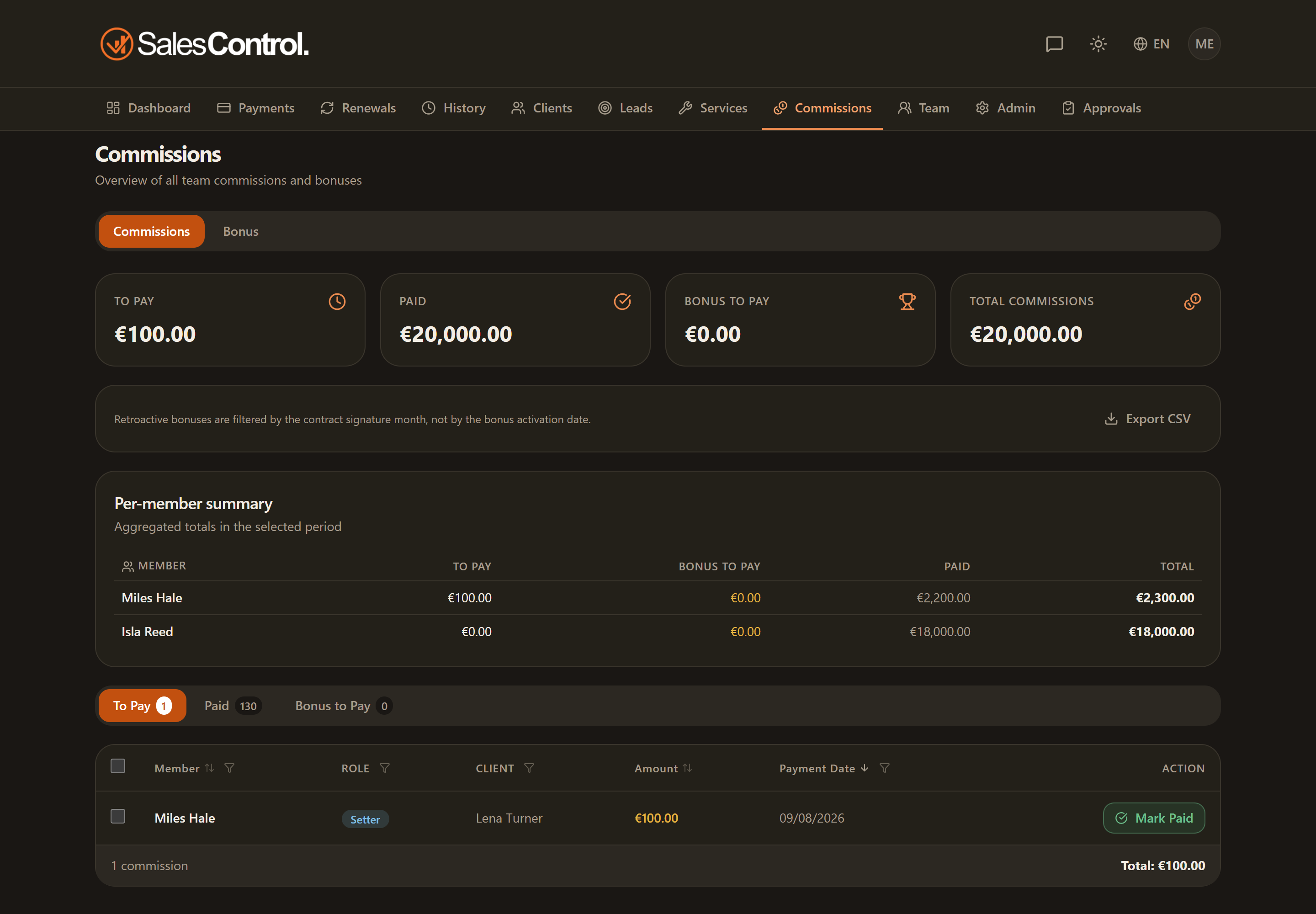
Commissions reward whoever worked a client: Setter, Closer and Project Manager. SalesControl calculates them automatically when an installment is collected, based on how you configured each team member.
This feature requires a paid plan (Starter and above). See Subscription Plans.
They are calculated per member, not per service
The most important thing to remember: commissions depend on the member’s configuration, not on the service. In each member’s card (under Team) you set:
- the percentage applied to the collected value;
- the type: recurring (on all installments/renewals) or one-time (only on the first contract);
- the renewal percentage, optionally different from the base one;
- a fixed amount as an alternative to the percentage.
If a commission looks wrong, check the member’s configuration in Configure a Member’s Commissions, not the service.
When they are generated
Commissions are calculated when the installments are created (at signing, when the client is created, at renewal) and are written on each installment for Setter, Closer, PM and sales manager. Until the installment is collected they are only forecast: they become accrued when the installment is marked as collected (see How to Mark a Payment as Collected), and paid out when the admin marks them as paid to the member. Only accrued commissions appear on the Commissions page, and only then is the “Commission accrued” notification sent.
In Settings › General › Commissions the admin can turn on “Show members only accrued commissions”: setters, closers, PMs and sales managers no longer see forecast commissions (in Payments, Dashboard and the client page), only those on installments already collected. The admin always sees everything. It is a display choice of the app.
For contracts with Upfront payment (a single advance installment) the commission is tied to the first installment: it accrues when that installment is collected.
If the amount is in another currency
With multi-currency, the exchange rate is locked at collection time: the commission is calculated on the amount converted at that rate, which stays fixed even if the rate changes later.
If a collection is reversed
If a collection is reversed (refund or dispute) after the related commission had already been paid, a clawback is triggered: the admin handles it from the Commissions section. If the commission had not yet been paid, it is simply withdrawn.
Generated commissions stay in the “Unpaid” tab until the admin marks them as paid. For filters, export and the reversals list, see Commissions Unpaid, Paid and Export.