Pausing a Contract
A pause suspends a contract from running for a defined period — for example when the client temporarily stops the service. You can choose whether to extend the contract’s end or shift the installments forward.
This feature requires a paid plan (Starter and above). See Subscription Plans.
Where to find it
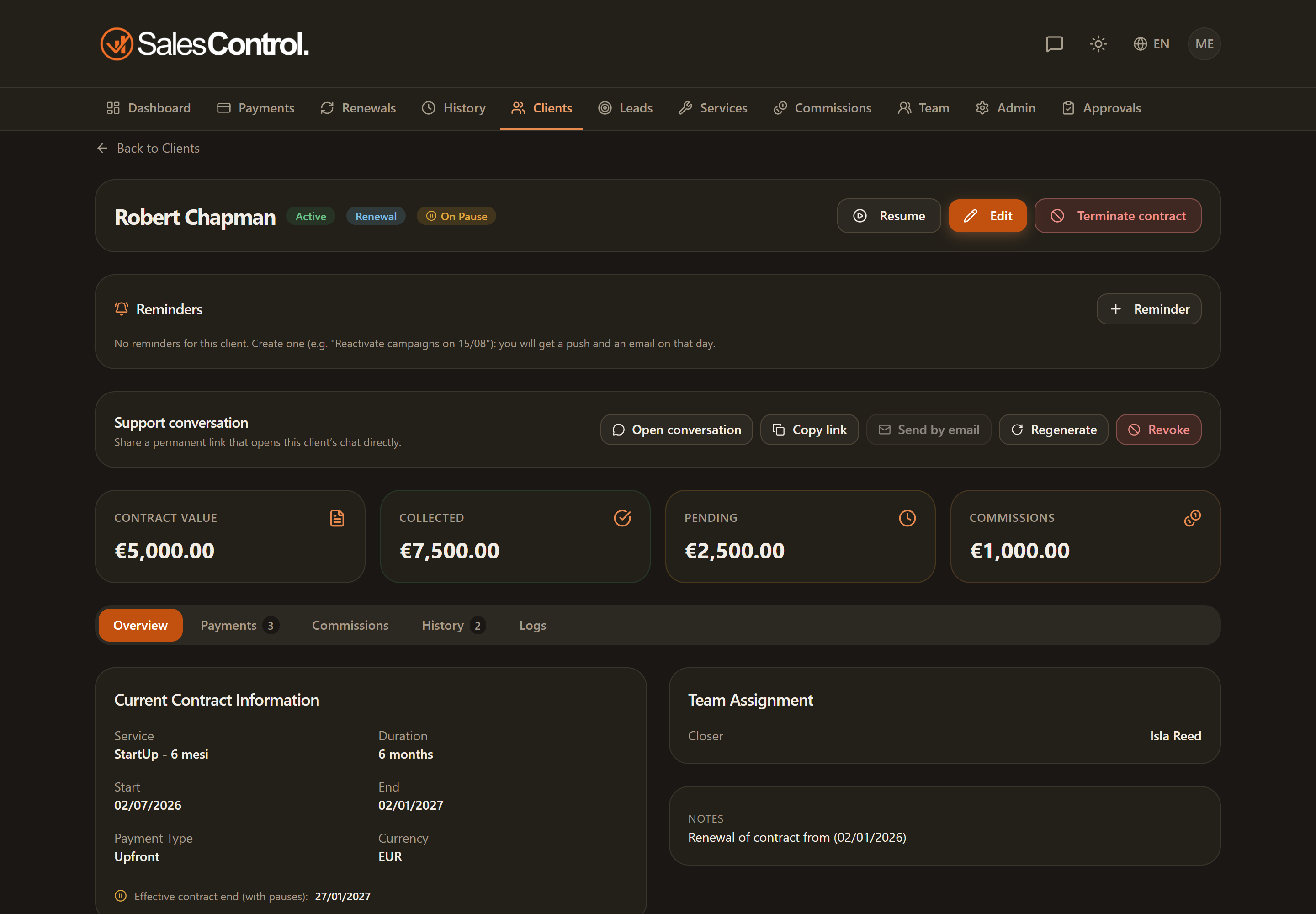
Open the client detail page and use the Pause button in the header (requires can_edit_clients). The pause modal opens.
The two pause types
| Type | Effect |
|---|---|
| Extension | The installments stay at their original dates, but the contract end moves forward by N days: the client gets extra service at the end of the contract. |
| Shift | The pending installments that fall within the pause period are shifted by +N days. Not available for Upfront contracts. |
Setting up the pause
Select Extension or Shift (the latter does not appear for Upfront contracts).
Enter the duration (from 1 to 365 days) and the start date (from today onward). Overlapping with other pauses is not allowed.
The Pause active badge appears on the client. You can add a note explaining the reason.
Also pausing the campaigns (GodAds)
In the modal, between the pause type selector and the reason field, you’ll find the Also pause the campaigns (GodAds) switch, with the note: “With the ecosystem linked, GodAds pauses the client’s active ad campaigns. Turn it off for an admin-only pause.” The switch is visible to everyone, on any plan.
If you have linked the ecosystem (from the Ecosystem card in Admin → Integrations), the switch is enabled and starts on: when you confirm the pause, GodAds suspends the client’s active ad campaigns. If you turn it off, you record an admin-only pause: the contract is paused in SalesControl and the campaigns are left untouched. For the automation to act, the client must be matched between the two platforms (i.e. recognized as the same client by GodAds) — see Linking SalesControl to the Ecosystem (GodAds).
If the ecosystem is not linked, the switch is still visible but appears greyed out: clicking it opens the Link GodAds to the ecosystem dialog, which explains the available GodAds automations (automatic campaign pause and reactivation, campaign deletion at contract end, launch timeline). From there you can use Open Integrations, which closes the dialogs and takes you straight to the Integrations tab of the Admin Panel, where the Ecosystem card lives, or Integrate now, which opens www.god-ads.com in a new tab if you don’t have a GodAds account yet. As the dialog reminds you: “Already have a GodAds account? Link it with a code from the Ecosystem card in Admin → Integrations.”
The choice is guaranteed for pauses that start right away. A pause created with a future start date is later activated by the automatic transition, which follows the standard behavior: with the ecosystem linked, the campaigns are paused on the start day even if you had turned the switch off when creating it. The same goes for pauses that start automatically without passing through the modal. When the pause is resumed — manually or automatically — the resume event flows to GodAds anyway, which reactivates the campaigns if they had been suspended by the automation.
Automatic transitions
Pauses change status on their own each day: scheduled → active → ended, based on the dates you set. A pause that is still scheduled can be cancelled from the client’s history. You can also record multiple non-contiguous pauses on the same contract.
An extension-type pause changes the contract’s effective expiry: the client is not shown as “Expired” until the new date has passed. The pause also affects the reminders (emails suspended during the pause) and the bonus calculation (contracts paused in the target period are excluded).