The Chat Permanent Link
The client accesses the conversation through a permanent link, of the form .../c/…. There is no need to create an account or a password for them: whoever opens the link enters the chat directly.
This feature is available only on the Enterprise plan. See Subscription Plans.
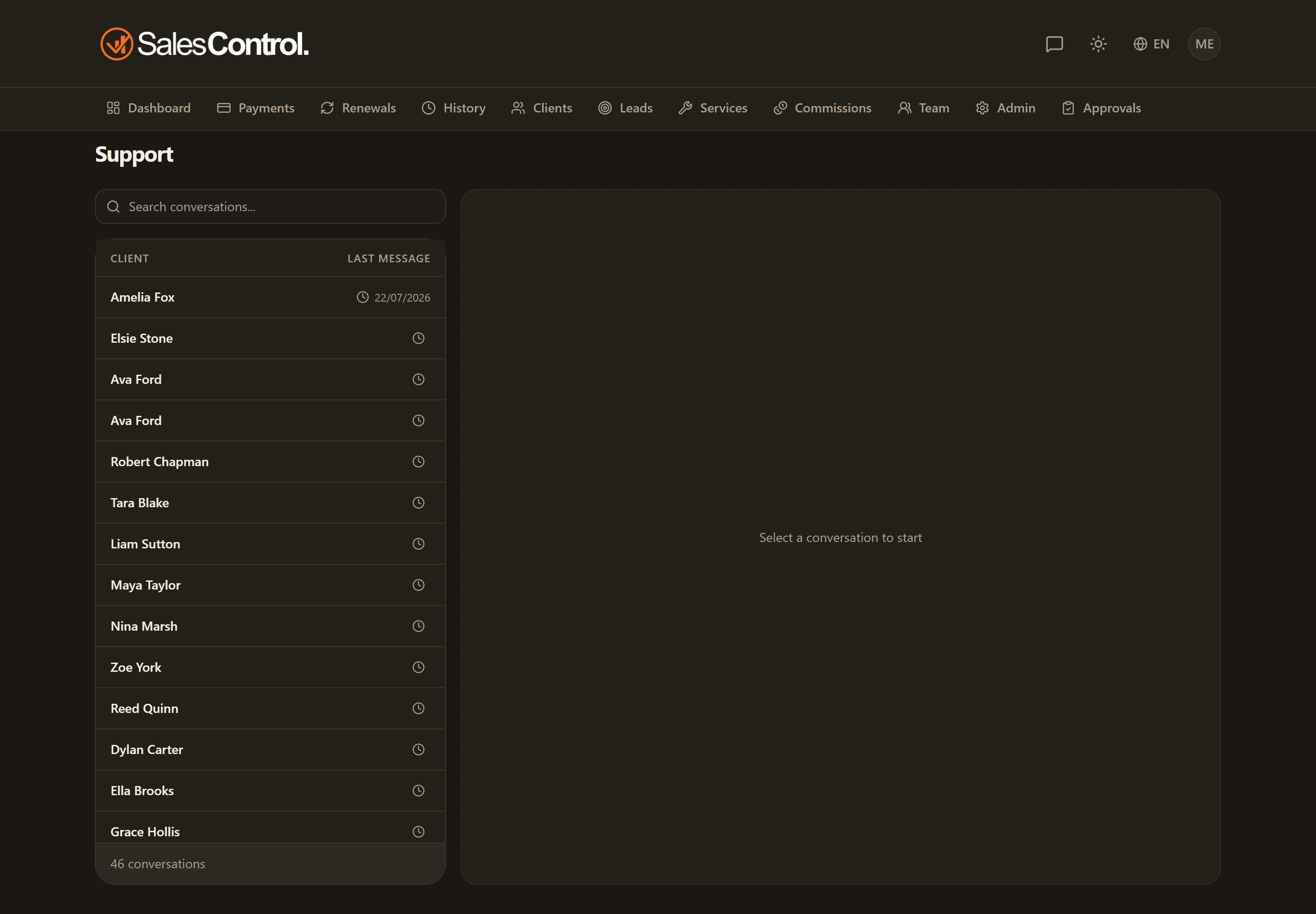
How the link works
The link works like a personal credential: anyone who has the link can enter that client’s conversation. For this reason it must be treated with the same care as a password.
The chat link is a bearer credential. Treat it like a password and share it only with the client. If you think it has fallen into the wrong hands, regenerate or revoke it right away.
Actions on the link
From the chat panel, in the admin actions, you can manage the link:
- Copy the link: copy it to the clipboard to paste wherever you prefer.
- Send via email: deliver it directly to the client.
- Regenerate: create a new link and invalidate the previous one (the old one stops working).
- Revoke: disable the link, removing access.
Who already has the link without you doing anything
A client created from a signature in SalesControl already has the link: they find it on the page they see right after signing and in the “signed contract” email with the PDF attached. They do not get the “Your support chat” email, which would be the third time they receive the same address. See The Post-Signature Page and Email.
That email does go out for clients activated without a signature in here: created by hand, moved to Active from “To complete”, or imported through your CRM webhook. You turn it off with the switch under Settings › Notifications › General, and it needs the plan that includes the chat.
Regenerating the link is useful when you want to replace a compromised link: remember, though, to send the client the new one, because the previous one will no longer be valid.