Advanced Bonus Conditions
Beyond the type (threshold, tiers, volume), every bonus rule has a set of advanced options that decide when a contract enters the count, within which deadlines and whether the rule also applies to the past. You find them under Admin › Bonus by opening the rule. Some apply only to certain bonus bases (see Configuring Bonus Rules). At the end you find what happens to a bonus after the period closes.
This feature is available on the Professional plan and above. If you don’t see it in the app, check your plan in Subscription Plans.
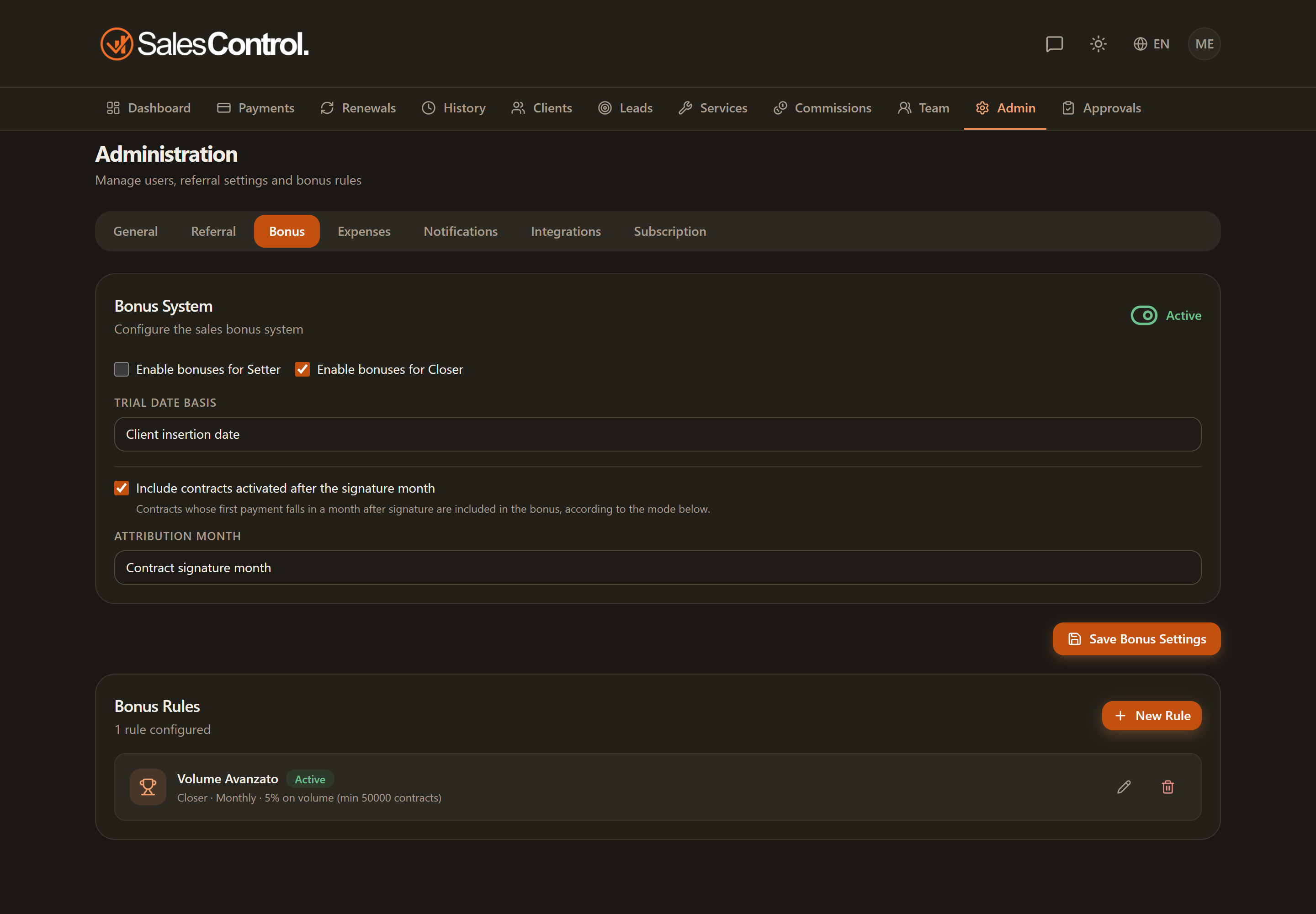
Trial handling
It sets how to treat trial contracts for bonus purposes. It applies to the “Signed contracts” and “earned on collection” bases; on a cash basis it does not appear, because only payments count. You have four options:
- Exclude trial contracts — clients in trial don’t count as long as they stay in trial.
- Count at signature — the contract enters the count from the moment of signature, even if the trial is still ongoing.
- Count at trial confirmation — the contract only counts when the trial is confirmed as passed. With this option the bonus is recalculated retroactively on the signature month at the moment of confirmation.
- Count at first collection — the trial contract enters the count when the first installment is collected.
Activation condition
It applies only to the “Signed contracts” basis: in the other two bases the form does not show it. For contracts that are not in trial (or already confirmed), it decides from when the contract contributes to the bonus:
- At signature — the contract counts as soon as it is signed. Once the threshold is reached the bonus appears right away in Bonus to Pay, in the Maturing group: when the client is saved, the contract is signed, the trial is confirmed or setter and closer are reassigned. It becomes payable when the period closes. Only periods from the rule’s creation onward count, not earlier ones.
- At the first collected payment — the contract only counts after the first real collection. It is the choice proposed for a new rule: no bonus on revenue not yet collected.
If you choose “at the first collected payment”, you also set the calculation basis: only the first installment or the full amount of the contract.
Qualification deadline
You can specify a maximum number of months within which the contract must activate to qualify for the bonus. If the deadline is exceeded, you choose what to do:
- Exclude — the contract no longer contributes to the bonus.
- Shift to the collection month — the contribution is attributed to the month in which the collection actually happened.
With a qualification deadline the period closes at the deadline: with “first instalment within 3 months” the September bonus stays maturing until 31 December, because until that day a September contract can still qualify.
Retroactivity
Bonuses can be retroactive. By enabling retroactivity on already-existing contracts (only on the “Signed contracts” basis), the rule does not only look at future contracts but also includes those signed earlier that meet the conditions. The system recalculates the corresponding bonuses. A bonus already marked as paid does not change: if the member’s count grows after the payment, the difference appears on its own as a top-up row to pay. Use this option knowingly: it can make new bonuses to pay appear on past periods.
For rules created before the September 2026 update, periods already closed on the day of the update do not produce new bonuses.
Per-member targeting
A rule can apply to all members of the chosen role or be targeted at a single member. Targeting is handy for personalized rewards or individual targets, without touching the other salespeople.
What happens after the close
When the period closes the bonus becomes payable. A paid bonus never changes again, but the period stays open to corrections: growth becomes a top-up, a decrease becomes a recovery.
- Growth: the top-up — if you mark an instalment as collected with a collection date that falls in the period, or a trial is confirmed, the period’s bonus is recalculated. If it was not paid yet, it simply grows. If it was paid, a top-up row appears with just the difference: it is payable right away and the member gets the notification as for a bonus.
- Payment dated after the close — it does not top up that period. On the signed basis it follows late attribution: if that is set to the collection month it counts there, otherwise it does not count. On the cash basis it counts in the period of its date. When earned on collection, after the window it no longer counts for that bonus.
- Instalments of a bonus earned on collection — if a month’s instalment is already paid and a payment recorded late would make it grow, the difference goes into the current month’s instalment. Once the period is closed it becomes a top-up.
- Decrease: the recovery — a paid bonus only goes down because of an event that invalidates a contract or a payment that counted. On the signed basis: trial failed or client deleted. When earned on collection and on the cash basis, also the reversal or chargeback of a counted instalment, or its deletion. The difference becomes a recovery, which the agency deducts from what it pays the member afterwards: see Paying Bonuses and Historical View.
- What does not touch a paid bonus — reassigning setter or closer, a lower contract value or a moved date after the payment do not change the bonus and do not create recoveries.
- An unpaid bonus that goes down — it is recalculated on its own. The member gets no alert: they see the new amount in the panel.
- Rule deactivated — maturing bonuses disappear; payable and paid ones stay.
With the “Signed contracts” basis, a client who stops paying after signing does not create a recovery: the bonus rewards the signature. If you want the bonus to follow the money collected, use the “Signed contracts, earned on collection” basis.
“Trial handling” and “activation condition” act on different cases: the first concerns contracts still in trial, the second concerns contracts with no trial or already confirmed. To understand the trial lifecycle see Managing the Trial Period.