Automatic Reconciliation
When a card payment arrives through Stripe, SalesControl tries to figure out which client and which installment it corresponds to and marks it as paid on its own. This article explains the rules the matching follows and what happens when there’s no certain match.
This feature is available on the Professional plan and above. If you don’t see it in the app, check your plan in Subscription Plans.
The two settings in Integrations
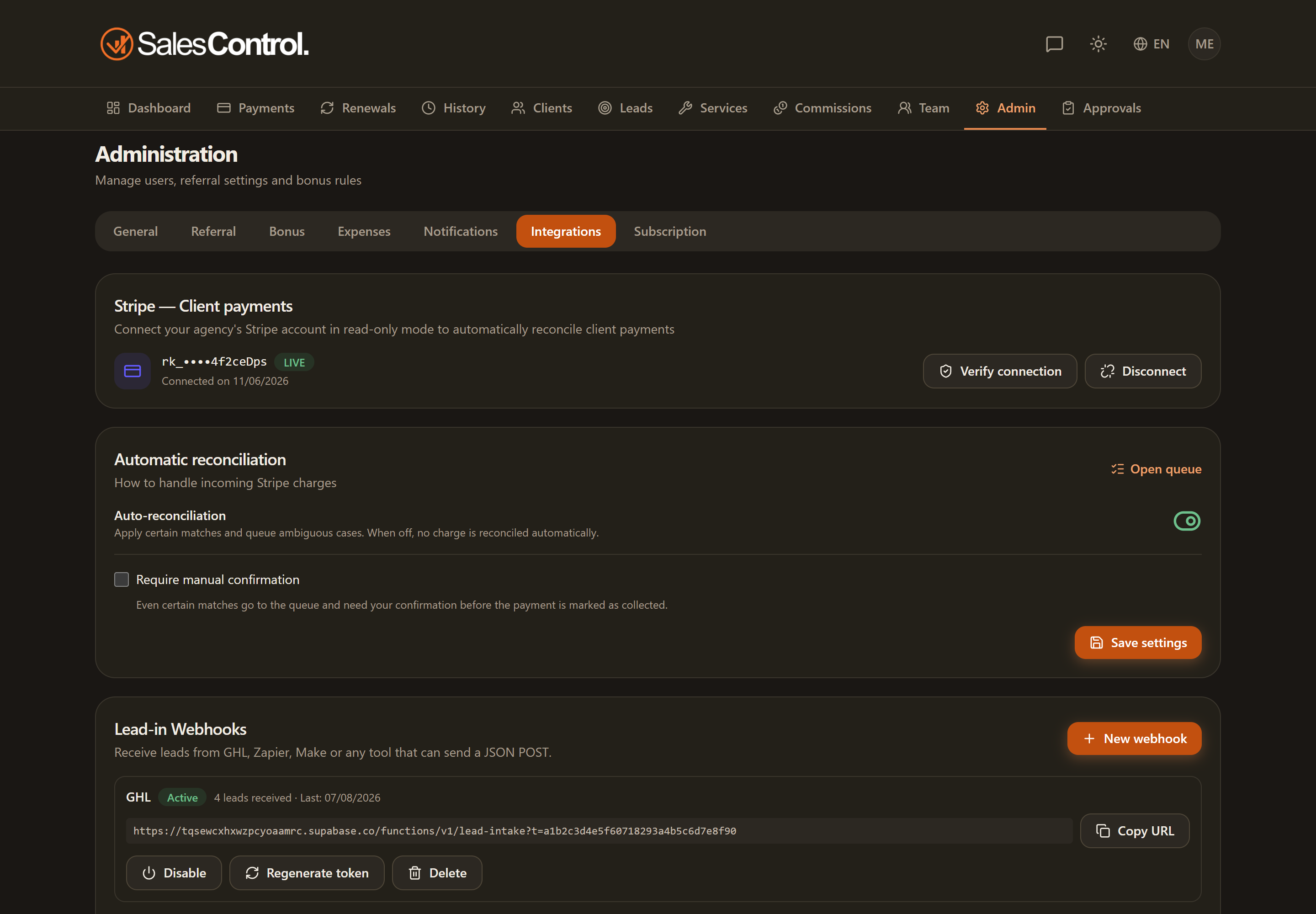
In Admin › Integrations, under the connected account, you’ll find two controls:
- Automatic reconciliation: the switch that turns the whole mechanism on or off. If it’s off, Stripe payments are not applied automatically.
- Require manual confirmation: if enabled, even matches that succeed by email or name are not applied straight away but pass through the reconciliation queue for you to confirm.
Linked client: the most direct path
If the client is already linked to their Stripe Customer, the match is immediate and safe:
- the payment settles the open installment with the closest due date (it proceeds by due date, from the oldest);
- the amount is not looked at: all that counts is which installment is next to be paid;
- this path does not go through manual confirmation, even if the option is enabled.
Example: if a client has June and July installments open and a payment arrives, June (the oldest) is settled; July stays due. Learn more in Billing Anchor and Dunning.
Unlinked client: matching by email or name
If the client isn’t linked yet, the app tries to match the payment using the payer’s details:
- first by email, then by name;
- if the client has more than one open installment, the app also uses the amount to pick the right one.
When the match is unique and certain, the installment is marked as collected (or placed in the queue, if you enabled manual confirmation).
When the match isn’t certain
If the app doesn’t find a safe match (no client recognized, several possible clients, no open installment, or several equally plausible installments), the payment isn’t lost: it lands in the reconciliation queue, where you resolve it by hand.
The link learns itself
The first time a payment is successfully matched to a client, the app stores the link between that client and their Stripe Customer. From the next time on, that client goes through the direct path (closest installment, without looking at the amount), faster and more reliable.
Resolving a payment by hand from the queue also stores the client↔Stripe link. From that moment on, that client’s future payments match on their own.