Expired Contracts
The Expired tab of the Renewals page gathers the contracts whose expiry has already passed without a renewal. These are the clients to win back first: from here you can start the renewal with a single click.
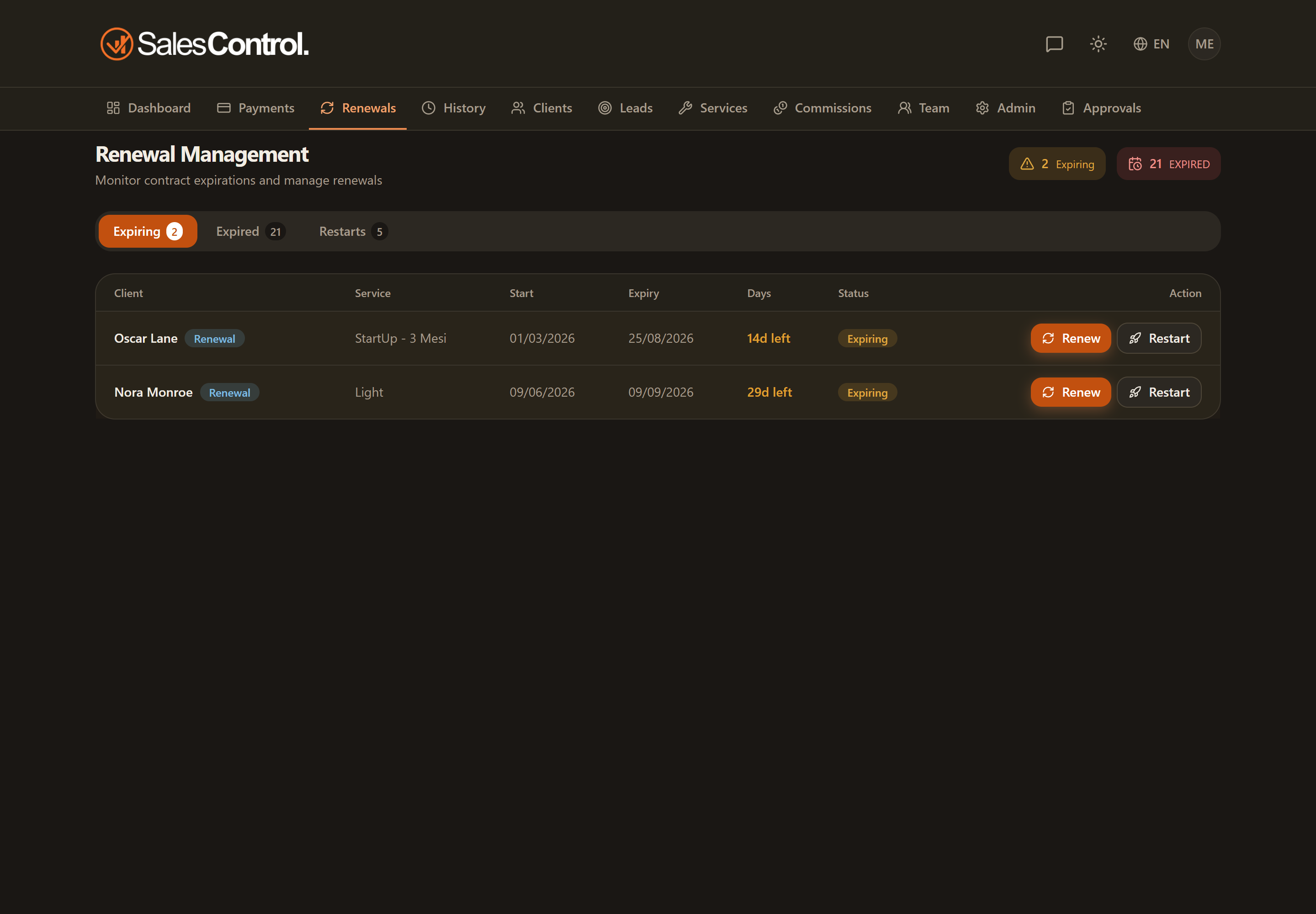
How you recognize an expired contract
In the “Expired” tab, every contract has the Days remaining column with a negative value (for example, -12 means expired 12 days ago) and the row is highlighted in red. The lower the number, the more time has passed since expiry: use it to prioritize your win-backs.
The Renew button
Next to every expired contract you’ll find the Renew button, which opens the renewal modal. The full procedure is described in How to Renew a Contract.
The Send contract button
Next to Renew you will find Send contract: instead of filling in the renewal yourself, you send the client the contract to sign. The dialog is pre-filled with the terms of the expired contract (service, value, duration and payment type as you agreed them) and the proposed start date is the day after the effective expiry, or today if the expiry is long past. You can change anything, the date included.
On signature the renewal runs on its own: the previous contract goes into the history, the instalments are regenerated and the client is back among the Active ones. See Sending a Contract for Signature and What Happens After the Signature.
If you send a contract from here that starts a few months later, no planned restart is created: the pending document already records the agreement. If you need to see the “potential” spread across the months, plan the restart first and send the contract from that row.
If the client restarts later
Not every win-back closes with an immediate renewal: if the client says “let’s restart in a few months”, use the Restart button on the row to record the agreement. How it all works is described in Planned Restarts.
A client with a planned restart disappears from the Expired tab, both from the list and from the tab counter: they are already taken care of in the Restarts tab, so there is no point in keeping them flagged here as a client to win back. If the restart is cancelled, the client goes back to Expired.
When you renew, a new client record is not created: the same client record is updated (update-in-place) and a snapshot of the previous contract is kept in the client’s history. This way you keep the full history of past contracts without duplicating the client profile.
The longer a contract stays expired, the higher the risk of losing the client. Treat this tab as a priority and contact the client before renewing, so you can confirm the conditions.