Payments In Trial
The In trial tab gathers the installments of clients who are going through the trial period. Here you don’t collect installment by installment as usual: you act on the first installment to decide the trial’s outcome, and all the following installments depend on that choice.
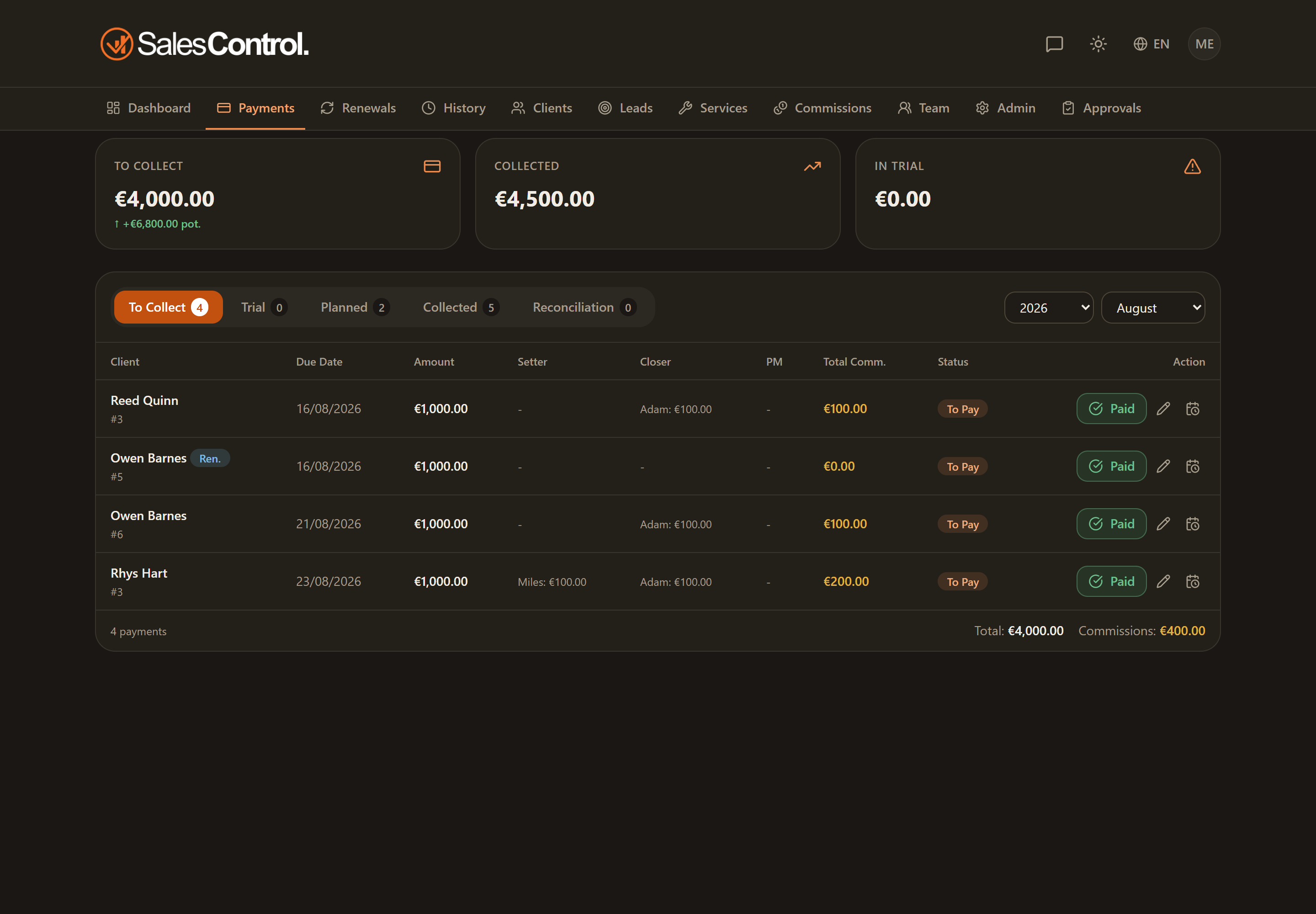
What you see in this tab
You’ll find listed the installments of contracts still in trial. Each client in trial has a first installment, which is the one you can act on, and the following installments, which stay pending.
Actions are only taken on the first installment
On the first installment of the client in trial you’ll find two actions:
- End trial — the trial was successful: the client becomes active.
- Trial failed — the trial was not successful.
The following installments don’t have these actions: they stay waiting for the trial outcome until you close the first installment.
To act on the trial you need the can_mark_paid permission (“Mark payments”) or can_manage_trials (“Manage trials”). Both are always on for Admins; for a member they must be enabled by the admin in the member’s card under Team.
The full trial flow
This tab is where you close the trial from the payments side, but the trial has a wider lifecycle: campaign activation, date correction, outcome and the history of days. For the complete picture see the dedicated article Managing the Trial Period.
When you end or fail a trial, the system records the outcome date and uses it to calculate the trial’s duration in days in the client’s history.