Your Payments (Salesperson View)
If you’re a Setter or Closer, the Payments page is filtered to you: you see your clients’ installments and your commission, without the whole agency’s data. Here’s what changes compared to the Admin view.
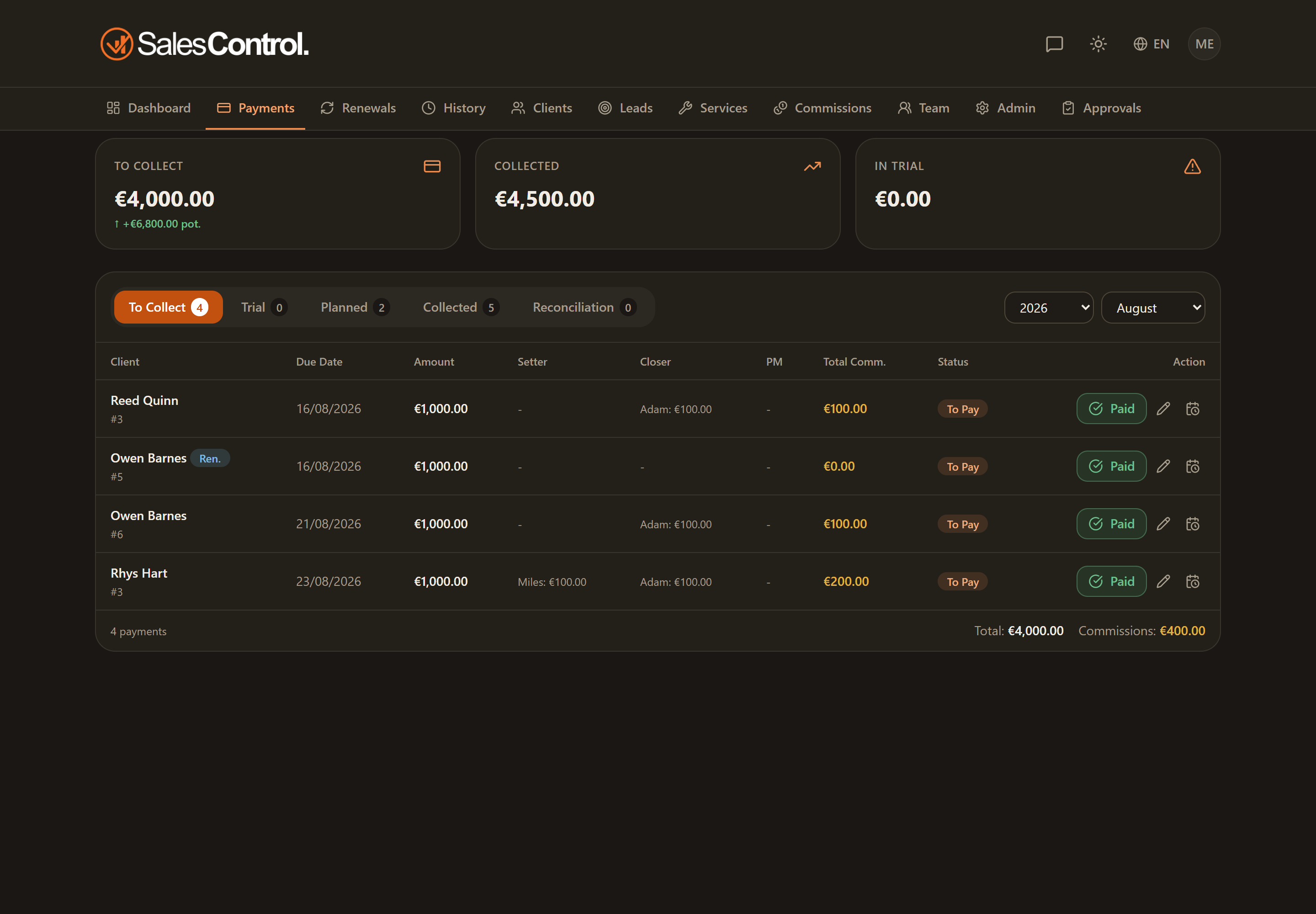
The tabs you see
As a salesperson you have three sub-tabs available:
- To collect — your installments still to be collected.
- In trial — the installments of your clients in trial.
- Collected — the register of installments already collected.
The Reconciliation tab does not appear in the salesperson view: it is reserved for Admins (and for those with the can_confirm_reconciliation permission).
The cards and the commission column
Instead of the agency totals you see the cards that refer to you, such as “My commission to collect” and “My commission collected”. In the table, instead of the column with all members’ commissions, you find the “My commission” column: the amount owed to you on that installment.
The cards and columns that speak of your commission only count what you earn. If you are also a sales manager, the shares of the members you manage are not added in here: you see those on Commissions, under the Team scope and with your colleague’s name next to them. What you see here is what is yours, always.
Marking and undoing collections
You can record your clients’ collections as described in How to Mark a Payment as Collected. The Undo collection button in the Collected tab appears only if the admin has enabled the can_mark_paid permission (“Mark payments”) for you.
To see when and how the commissions you’ve earned are paid out to you, check Your Commissions (Salesperson View).