Stat Cards and Drill-down
The cards at the top of the dashboard aren’t just numbers: they’re also shortcuts. When you click a card, the app takes you straight to the page that goes deeper into that figure, already filtered on the right context. Here we look at what each card shows and where the click takes you.
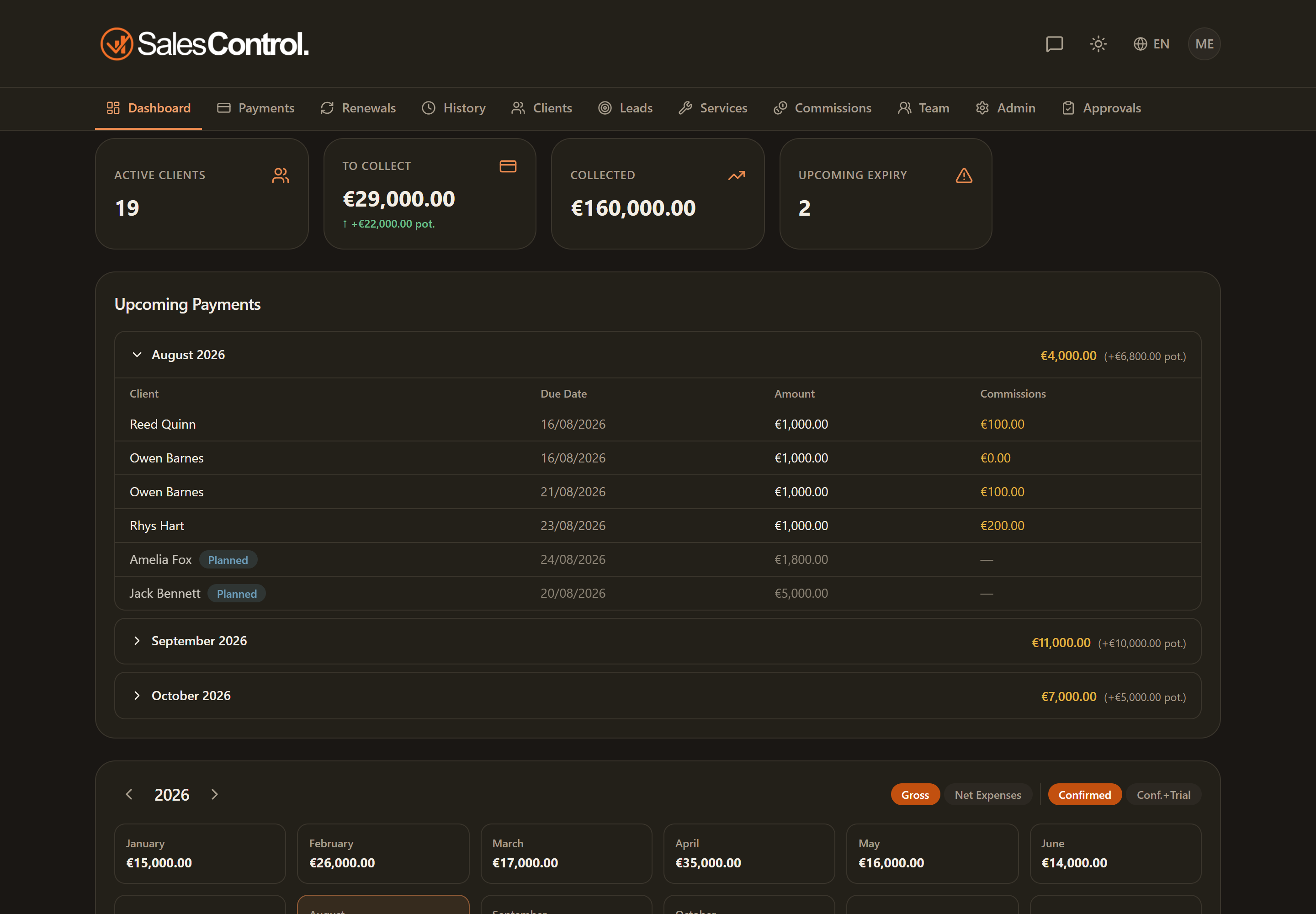
Active Clients
Shows the number of clients with a contract in progress. Clicking the card opens the Clients page, where you can see the full list, filter it and open each client’s detail page.
To Collect
This is the total of confirmed payments still to be collected. Clicking the card opens the Payments page showing all periods: not only the current month, but also overdue installments from past months. That way you see everything still open in a single list.
Opening the Payments page from the menu instead keeps the default filter on the current month. The “To Collect” card clears the period filters on purpose, so it doesn’t hide your arrears. See Payments To Collect.
Collected
This is how much you have already collected. Clicking the card opens the collected payments, that is the register of installments already settled. The card amount excludes reversals, so it matches the value that actually came in.
Upcoming deadlines
Counts the contracts expiring within the next 30 days. Clicking the card opens the Renewals page, where the closest deadlines are highlighted with a badge. From there you can start the renewal. See Expiring Contracts.
My commissions (Setter and Closer)
If you are a salesperson, you have an extra card, My commissions, with the total of your commissions. It takes you to your commissions view.
The card numbers update in real time: as soon as an installment is collected or a contract is renewed, the cards change on their own, with no need to reload.