Commission Details and Net (Admin)
This is the admin-only section at the bottom of the dashboard that breaks collections down into commissions and net, payment by payment. You use it to understand, over a given period, how much came in, how much goes to the salespeople and how much stays with the agency.
Where to find it
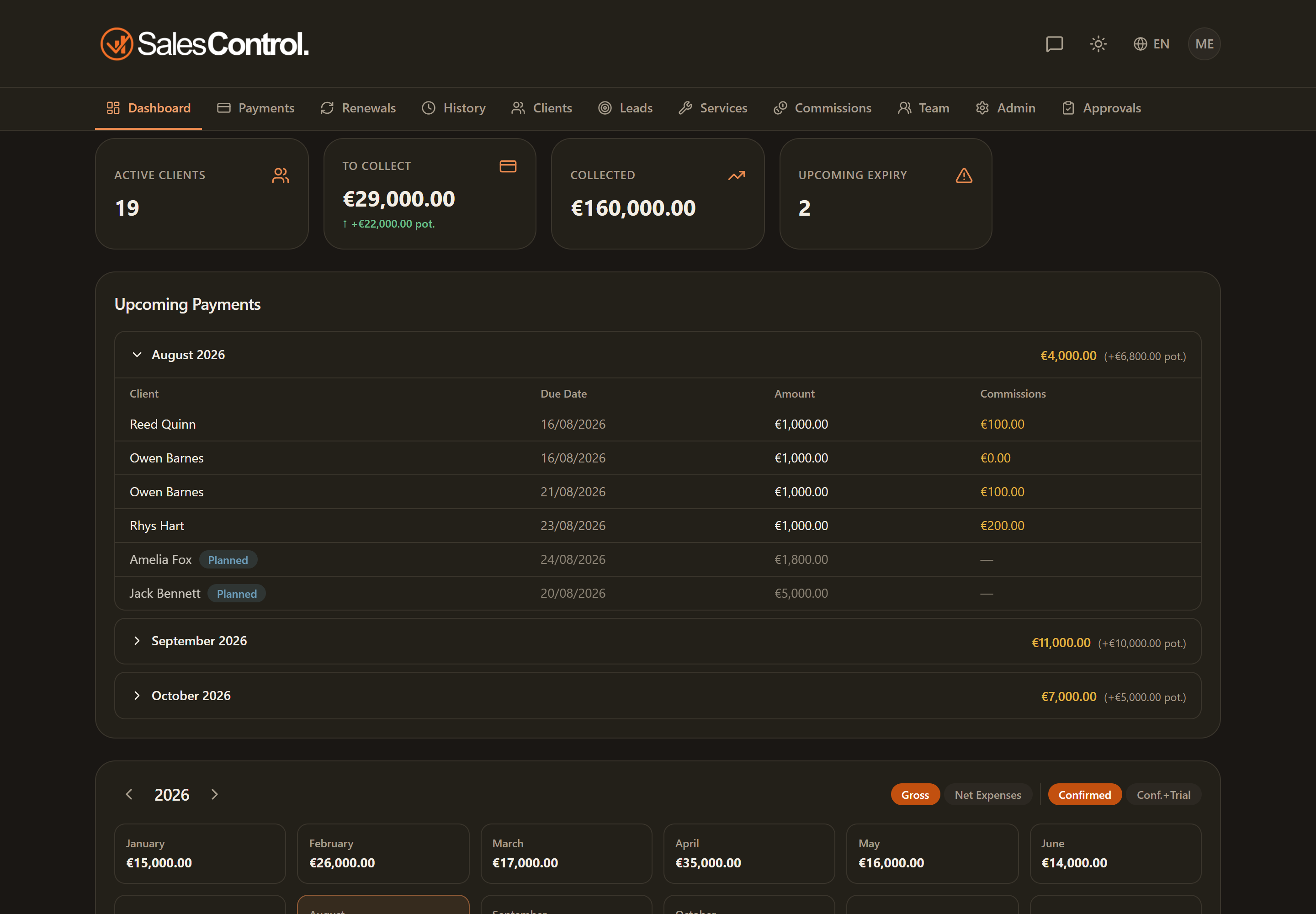
Scroll the dashboard all the way down: below the calendar you find the Commission Details section. It is only visible if you are an Admin or Super Admin.
The Year and Month filters
At the top of the section there are two filters, Year and Month, to choose the period to analyze. All the numbers and the table below update according to the selected period.
The three cards
The chosen period is summarized in three cards:
- Collected: the total that came in during the period.
- Commissions: the sum of the commissions accrued.
- Net: collected minus commissions.
The amounts in this section exclude reversed payments (Stripe refunds and disputes): a collection later refunded does not inflate the totals. That way the figures reflect what has really stayed.
The per-payment table
Below the cards, a table lists the payments in the period. For each one you see the commission breakdown by role:
| Column | Meaning |
|---|---|
| Client / Amount | who the collection refers to and how much |
| Setter | the commission of the client’s setter |
| Closer | the commission of the client’s closer |
| PM | the commission of the project manager(s) |
| Net | how much is left on that payment after commissions |
The percentages do not depend on the service: they are configured per team member. If a value looks wrong, check the member’s card in Team, not the service. More detail in How Commissions Work.
To calculate the true profit (net minus business costs too) use the month detail in the Cash-Flow Calendar, where fixed costs, variable costs and taxes are added on top of the commissions.