Business Expenses
By recording your agency’s expenses, SalesControl can show you not just how much you collect but how much you actually keep. Expenses feed the “Net” figure you see in the cash-flow calendar and on the dashboard.
This feature is available on the Professional plan and above. If you don’t see it in the app, check your plan in Subscription Plans.
Where to find it
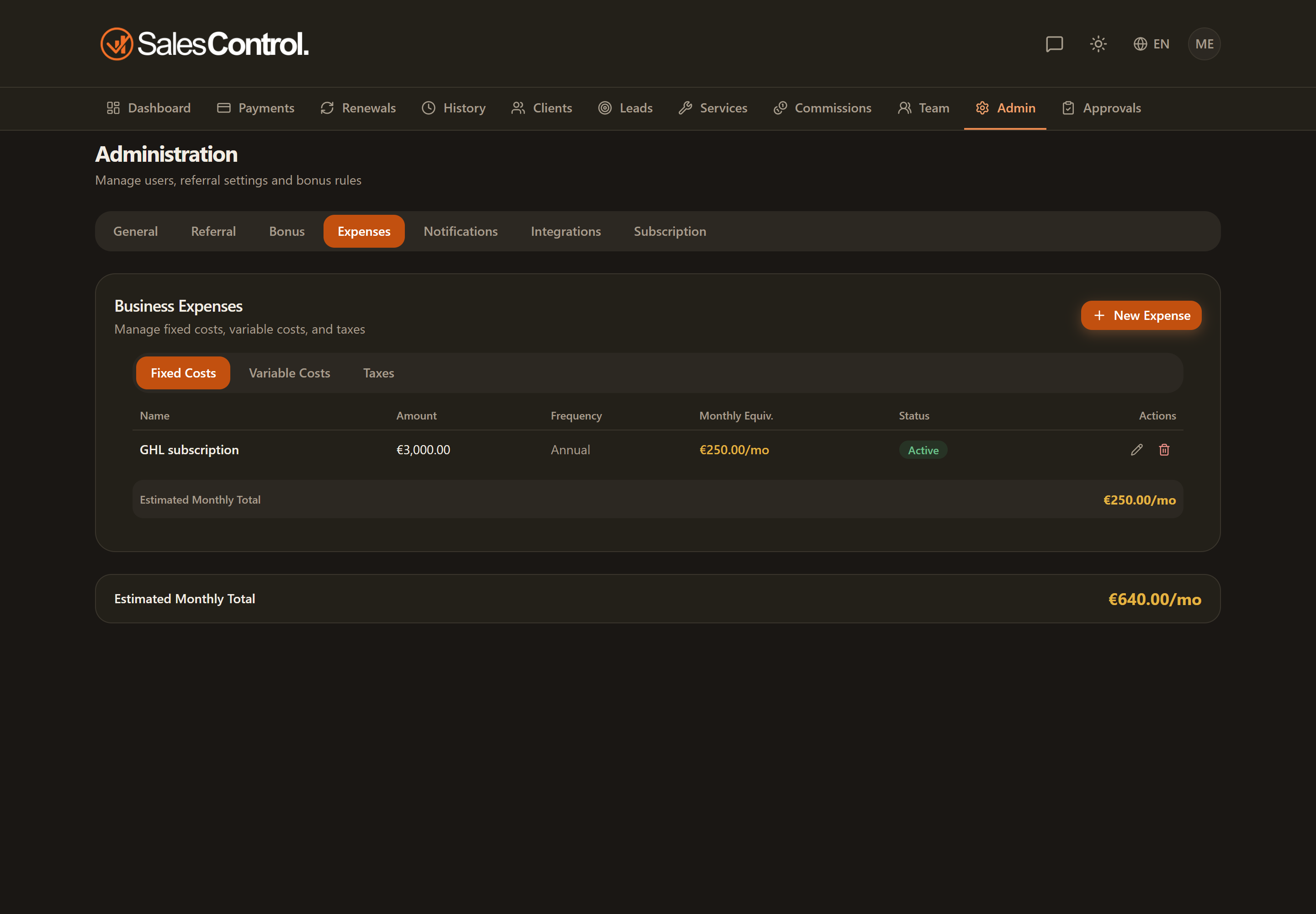
Open the Admin Panel and select the Expenses tab. The page is reserved for Admins and is organized into three tabs: Fixed Costs, Variable Costs and Taxes.
Fixed Costs
These are recurring expenses that do not depend on turnover (rent, software, salaries…). For each item you set:
- Name of the expense.
- Amount.
- Frequency (how often it recurs).
- Start date, from when the expense enters the accounts.
- Recurring or one-time.
Variable Costs
These are expenses tied to activity. On top of the fixed-cost fields, for variable ones you define the scope: whether the expense applies to all services or only to some. You can enter an amount or a percentage.
Taxes
In the Taxes tab you choose the calculation mode:
- Fixed annual amount: a predetermined value for the year.
- Percentage of turnover: calculated on gross or on net.
How expenses affect the net
Once recorded, expenses are subtracted from collections to calculate the Net. This figure appears in the cash-flow calendar (gross/net toggle) and in the dashboard’s commission details.
Set frequency and start date carefully: they determine in which months the expense is counted toward the net.