Create and Manage Clients (Salesperson View)
If you are a Setter or Closer, the Clients page shows only the clients that concern you and lets you create new ones when you have permission. Here is what changes compared to the admin view.
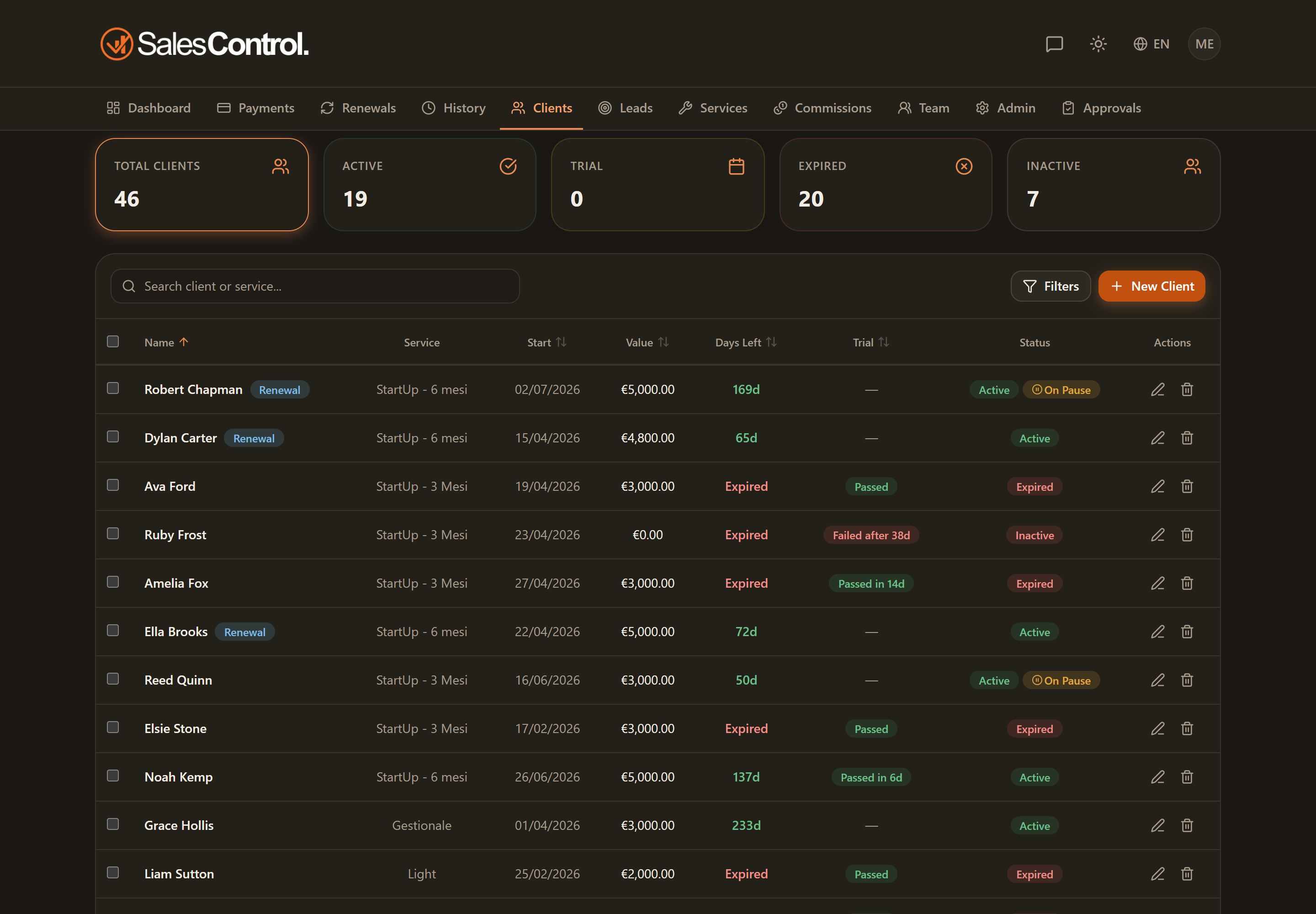
You only see your clients
As a salesperson, the list shows only the clients you are involved in as Setter, Closer or PM. Admins, by contrast, see all of the agency’s clients.
The same cards and filters
The list works the same as for everyone: you have the five clickable cards (Total, Active, In trial, Expired, Inactive) as a quick filter, the search by name or service and the Filters panel. The Team member filter is the only one reserved for admins. For the details, see The Clients List.
Creating a client
You can create a client if you have the can_create_clients permission: in that case you see the New client button. The form is the same as for everyone; see Create a New Client.
The contract’s Payment type can only be Upfront (single payment) or Monthly (one installment per month): there are no options like “quarterly” or “custom”.
To understand how you see your clients’ collections and commissions, see Your Payments (Salesperson View).