Threshold Bonus
The threshold bonus is the simplest type: it grants a fixed reward when the salesperson reaches a certain number of contracts in the period. Either they get there and take the full reward, or they don’t get it at all: there are no intermediate levels.
This feature is available on the Professional plan and above. If you don’t see it in the app, check your plan in Subscription Plans.
How it works
You set two values:
- the threshold, that is the number of contracts to reach in the period;
- the reward amount granted when it is reached.
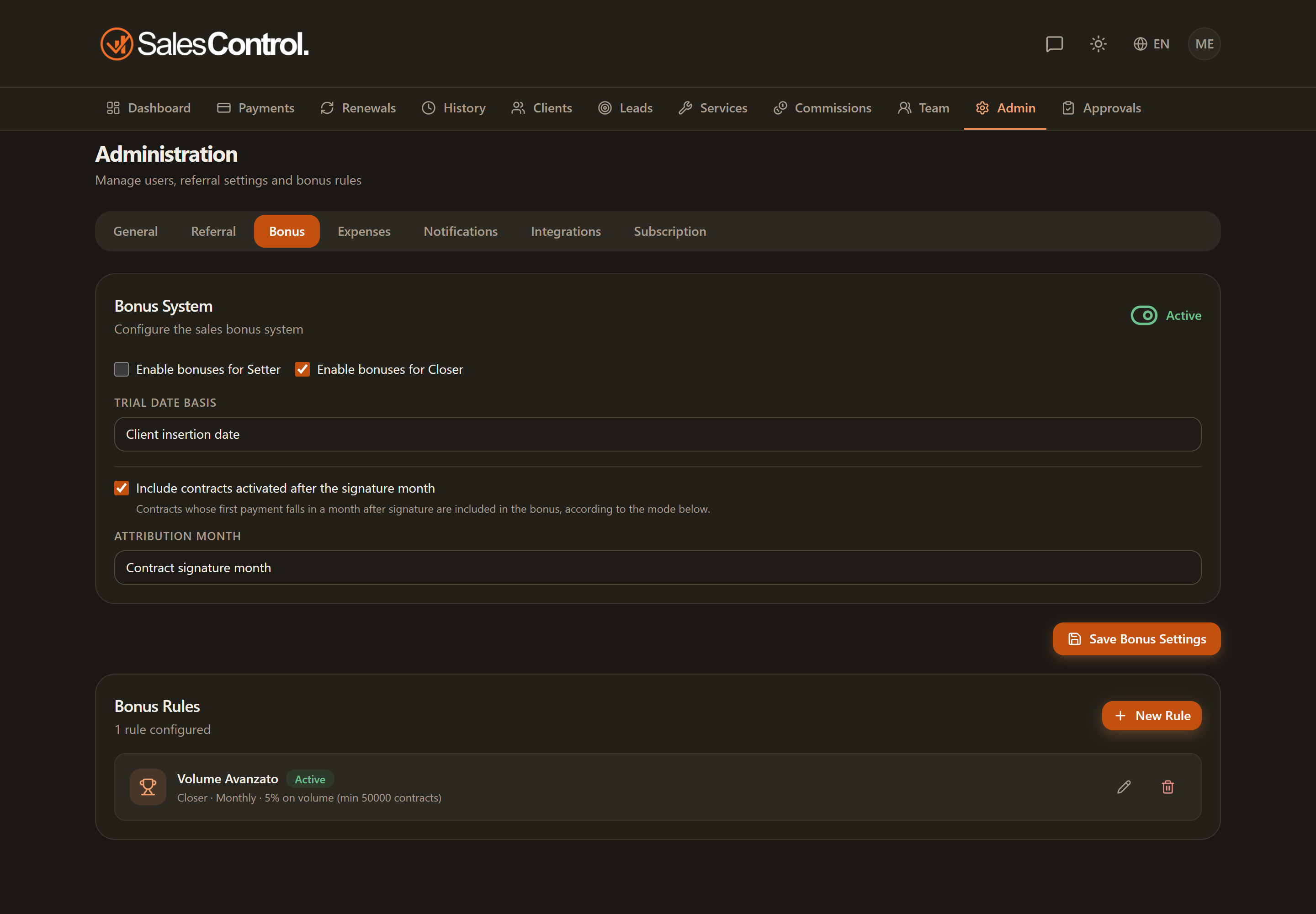
The period (monthly, quarterly or yearly) and the role (Setter or Closer) are the ones you choose when creating the rule. See Configuring Bonus Rules.
Numeric example
Suppose a rule configured like this:
| Parameter | Value |
|---|---|
| Role | Closer |
| Period | Monthly |
| Threshold | 5 contracts |
| Reward | € 300 |
If a Closer closes 5 or more contracts in the month, they earn € 300. If they close 4, they earn nothing: the reward only triggers once the threshold is reached. Closing 8 does not increase the reward — it stays € 300 (for increasing rewards you need the tiered bonus instead).
In the salesperson panel the progress bar shows how many contracts are left to the threshold (e.g. “3 out of 5”), so the team always knows how much is left to the reward.
You can decide precisely when a contract enters the count (at signature, at trial confirmation, at the first collection…) and whether the rule also applies to already-existing contracts: see Advanced Bonus Conditions.