Push Notifications (on your device)
Push notifications alert you on your phone or browser when something relevant happens in the app (for example a payment being collected). Here’s how to enable them on your device.
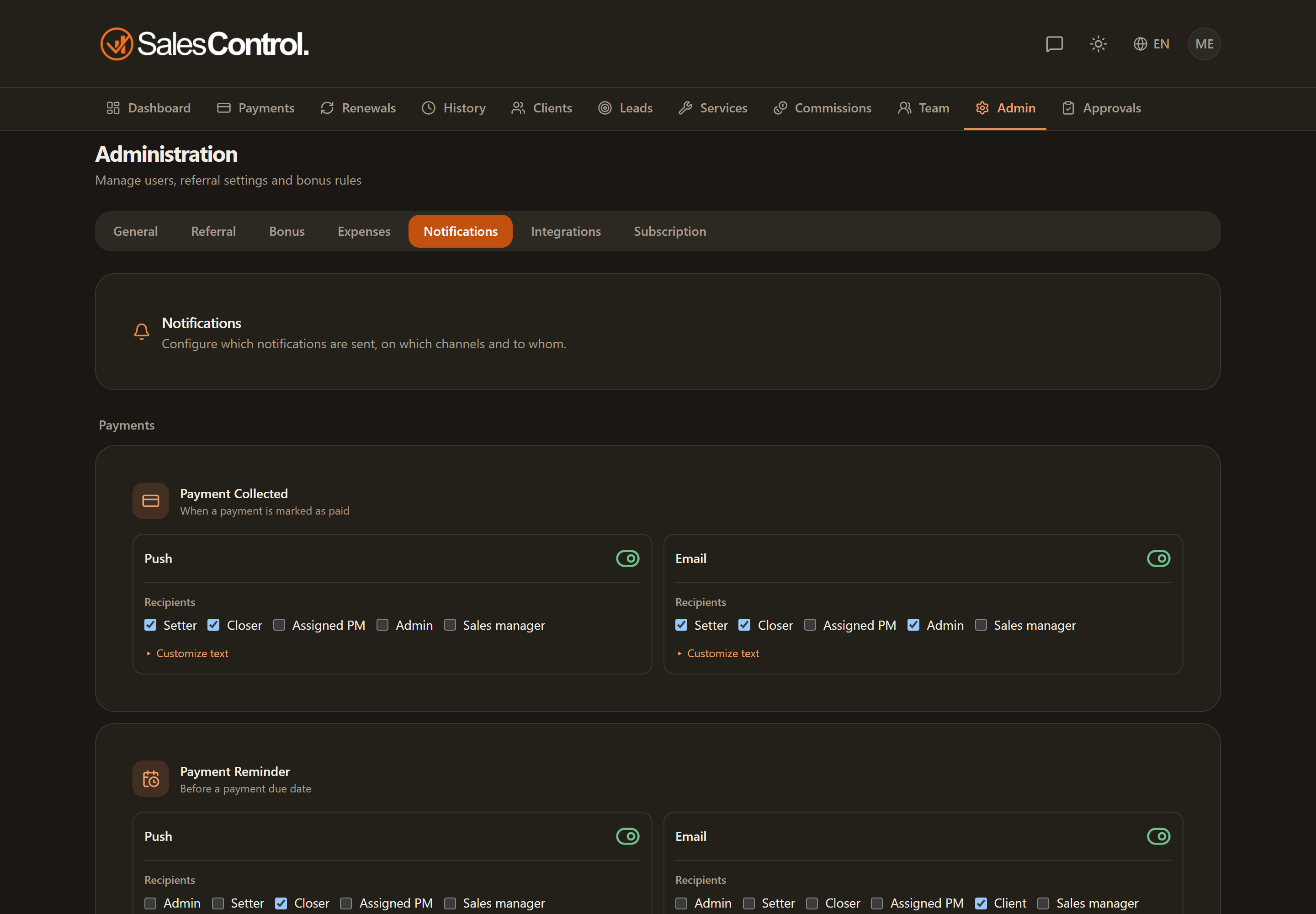
This feature requires a paid plan (Starter and above). See Subscription Plans.
Enabling them
Go to Settings › Notifications.
Enable push notifications: the browser or phone will ask for your consent.
Accept the device’s request. From that moment you start receiving notifications.
If they don’t arrive
If you enabled push but don’t receive them, the most common reason is a denied or missing permission at the device level:
- Check the browser notification permissions for the app’s site.
- On a smartphone, check the notification permissions in the phone settings for the app.
If you add the app to your home screen as an application (PWA), notifications work just like for a normal app. See Install the App (PWA).
Who decides which notifications you get
Enabling here only concerns your own device. Which events generate a notification and who receives it is configured by the agency admin under Admin › Notifications. See Push and Email Notifications.