Edit or Delete a Service
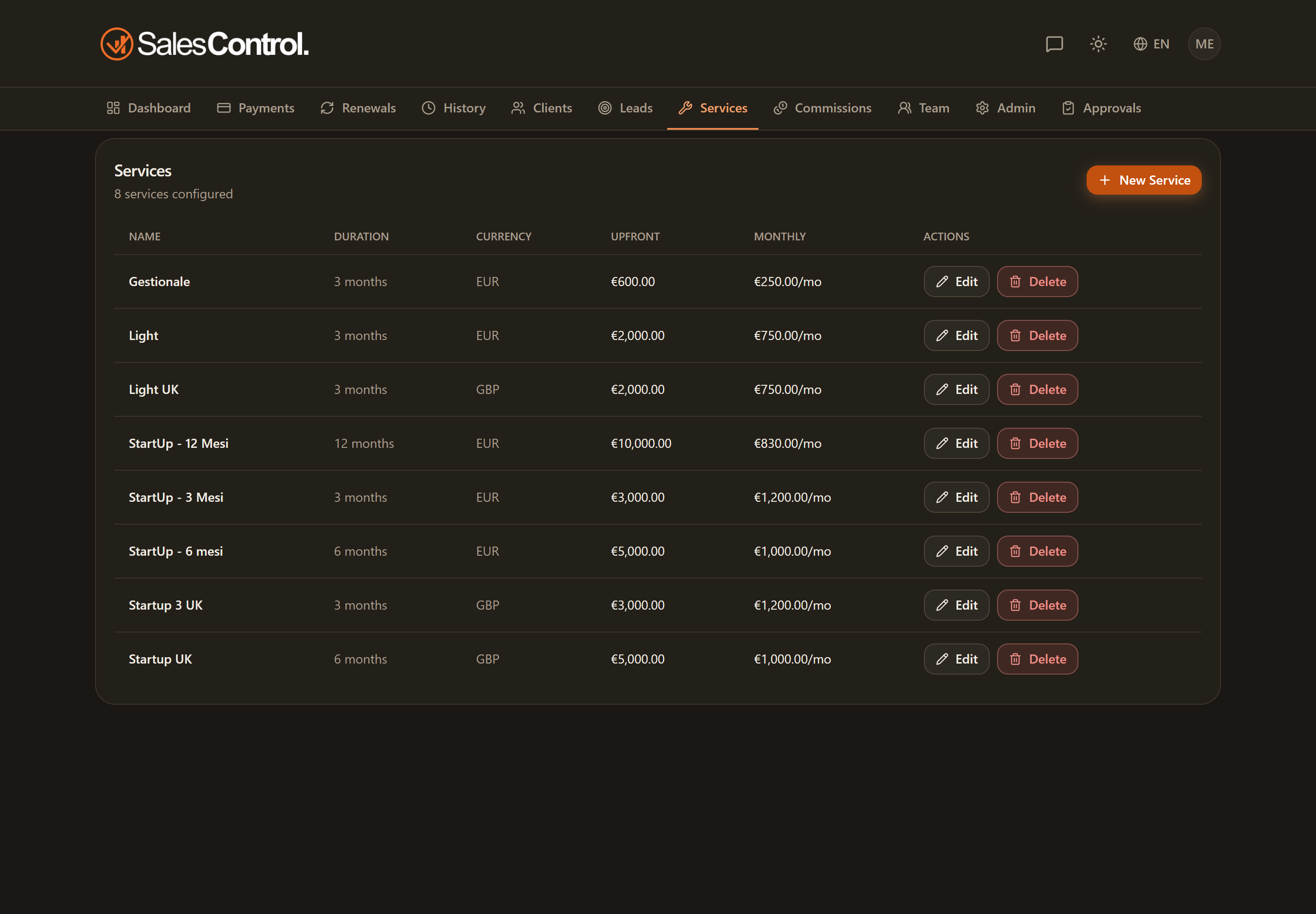
You can update an existing service or remove it from the list. The important thing to know is that changes are not retroactive on already-active contracts, and that deletion is permanent.
Who can do it
Editing and deletion require the can_create_services permission (“Create services”), the same one needed to create them. It is always on for Admins; for a team member it must be enabled under Team.
Editing a service
On the services page find the service row and open the edit. The fields are pre-filled with the current values.
Change the name, duration, upfront value or monthly value according to the new offering.
The changes apply to the new contracts created with this service.
Changes to the service do not alter already-active contracts: those keep the values they were created with. If you need to act on a single client, work on their detail page — changing the amount of an installment or the contract’s critical fields regenerates the pending payments with an impact confirmation, there is no need to delete and recreate the client.
Deleting a service
From the service row you can also delete it: the app asks for a confirmation before proceeding. Once deleted, the service is no longer selectable when creating a new client.
Deletion is permanent. If you only want to “retire” a service but you still have active contracts using it, it is better to rename it (for example adding “(retired)”) instead of deleting it: that way the existing contracts keep working and the service stops being offered for new ones.
If you are correcting a service’s prices or currency, first check how multi-currency and the exchange-rate lock at collection work in Multi-Currency.