Partial Payment and Remainder Due Date
Sometimes the client pays you only a down payment on an installment. In SalesControl you record the partial collection and schedule the due date for the remainder: the system keeps track of how much you have already taken and how much is left to collect.
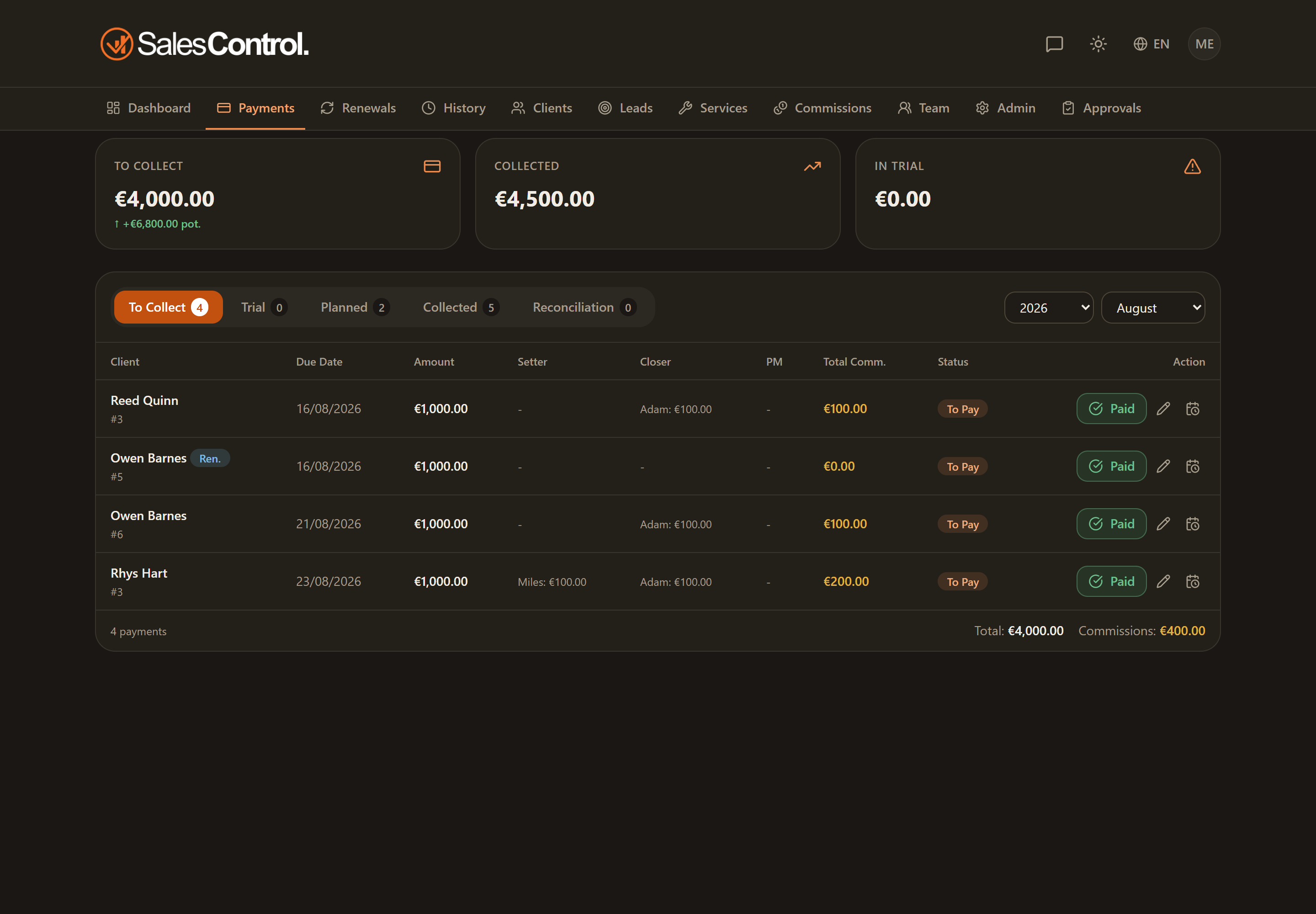
Opening the modal in partial mode
From the installment row, click Mark collected: the window opens with the two modes. Choose Partial instead of Full.
The two fields to fill in
Enter how much you actually received. It must be greater than zero and no more than the total of the installment.
Indicate a new due date for the part still to be collected. It is required and must be today or later.
The system records the collected portion and creates a remainder row with the due date you chose.
If you enter an amount equal to the total of the installment, there is no remainder: the operation becomes a normal full collection and the remainder due date isn’t needed.
What happens next
In the Collected register you’ll see the paid row for the portion paid, while the remainder row will appear among the payments to collect with its new due date. They are two separate rows.
There is no automatic recombination: the two rows stay separate. When you collect the remainder, you’ll mark it like any other payment.
Who can do it
As with any collection, you need the can_mark_paid permission (“Mark payments”), always on for Admins and enableable for members under Team.