Collected Payments
The Collected tab is the register of installments you have already collected, each with its own collection date. This is where you check what has come in, tell apart the automatic Stripe collections and, if needed, undo a collection recorded by mistake.
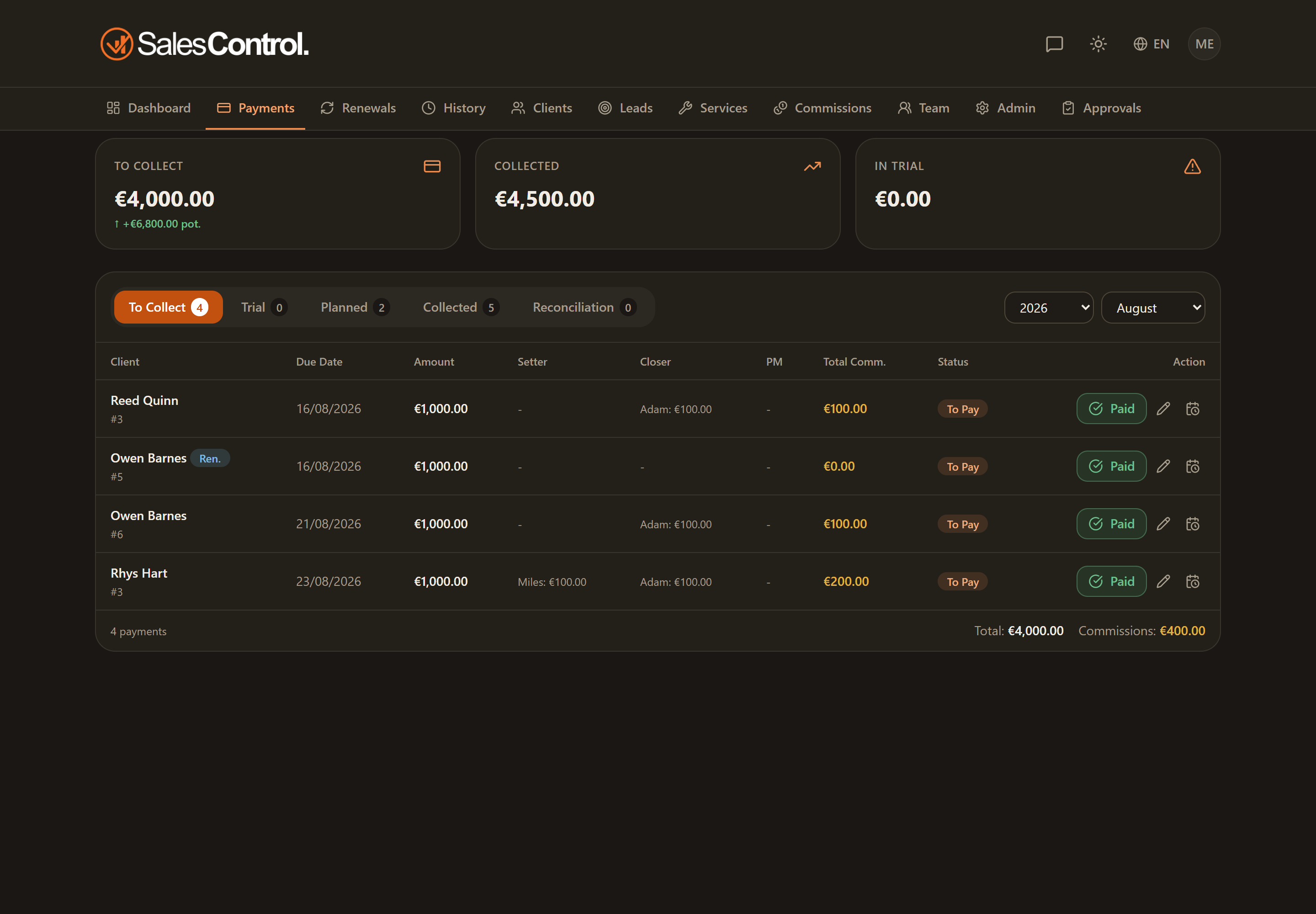
What you see in the register
Each row is a collected installment, with the amount and the date the collection was recorded. Use the Year and Month filters at the top to review a specific period.
The badges on the rows
- via Stripe — the indicator appears when the installment was collected automatically through Stripe, without manual intervention.
- Reversed — the badge signals that the collection was reversed upstream by Stripe. Hovering over the badge, the tooltip shows the reason: a refund or a dispute.
Reversed amounts are excluded from all collection totals: you won’t find them in the summary sums, even though the row stays visible in the register with its badge. This way the totals reflect only the money actually retained.
Undoing a collection
If you marked an installment as collected by mistake, with the can_mark_paid permission you can use Undo collection: the installment returns to To collect and its commissions are withdrawn.
Without can_mark_paid (“Mark payments”) the button does not appear. The permission is always on for Admins; for a member it must be enabled under Team.
Partially collected installments
When you collect only part of an installment, the register does not show it as a single row: you see a paid row for the collected portion and a remainder row, with the new due date you chose. There is no automatic recombination: the two rows stay separate. The details are in Partial Payment and Remainder Due Date.