Custom Pricing
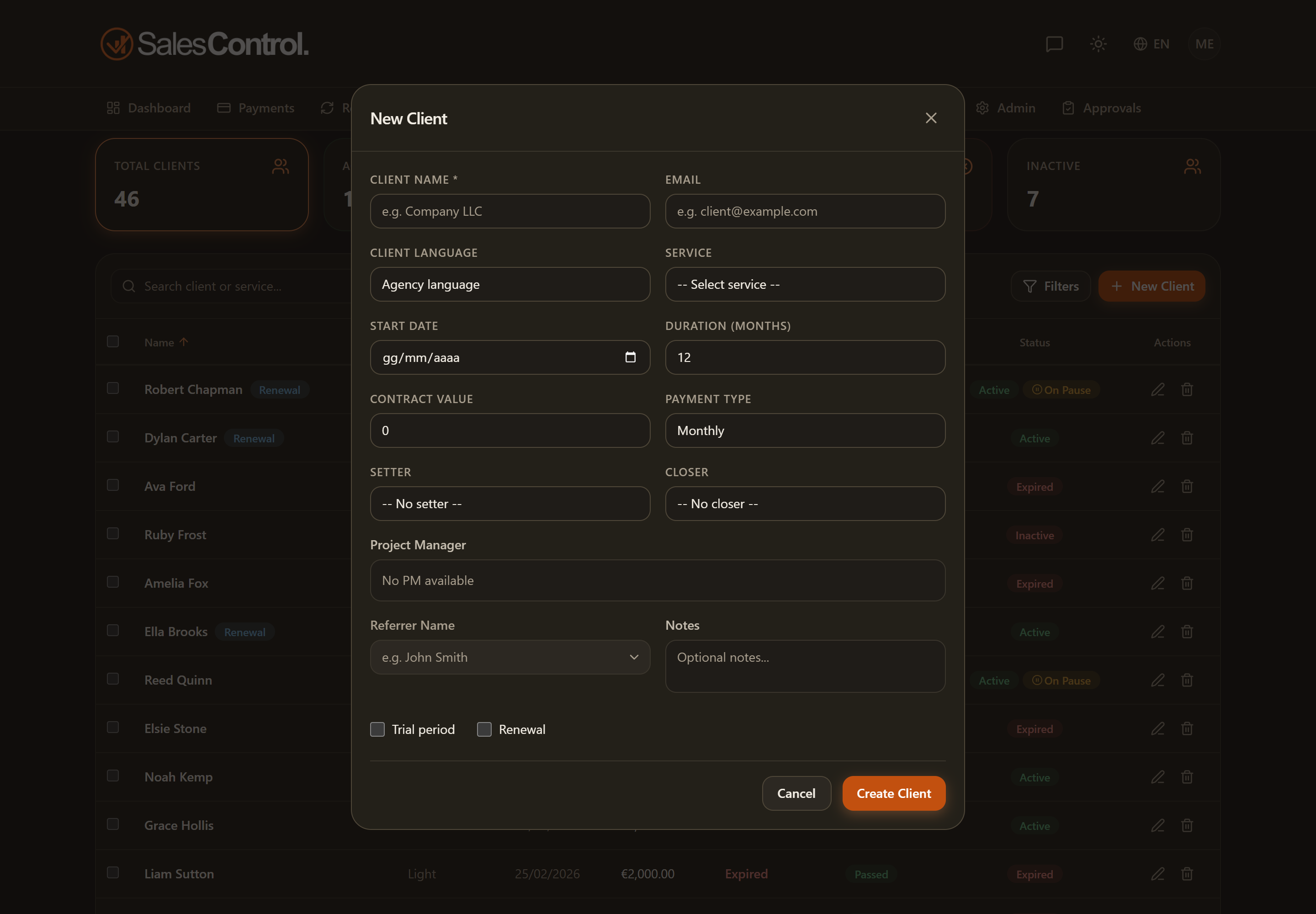
Sometimes a client signs at a price different from the service list — for a discount or a special offer. With the right permission you can set a custom value, and the commissions adjust to the real price.
Who can set it
The Value field is editable only with the can_edit_price permission. It is always on for Admins; for a team member the admin enables it in their card under Team. Without the permission, the field stays locked to the list value.
How to set it
When you select a service, the Value field fills in with the list price. With can_edit_price you can override it with the actual amount, both when creating and when editing the client.
Commissions are recalculated on the real value of the contract, not on the list price: if you apply a discount, the Setter, Closer and PM commissions also take the actual price into account.
Editing an individual installment
Besides the overall contract value, you can correct the amount of an individual installment in the payments. It is a separate operation, also gated by can_edit_price. See Edit a Payment’s Amount and Due Date.