Change Approvals
When a non-admin team member proposes an important change to a contract, it is not applied right away: it lands in a queue an admin must review. The Approvals page is where you check and decide on these requests.
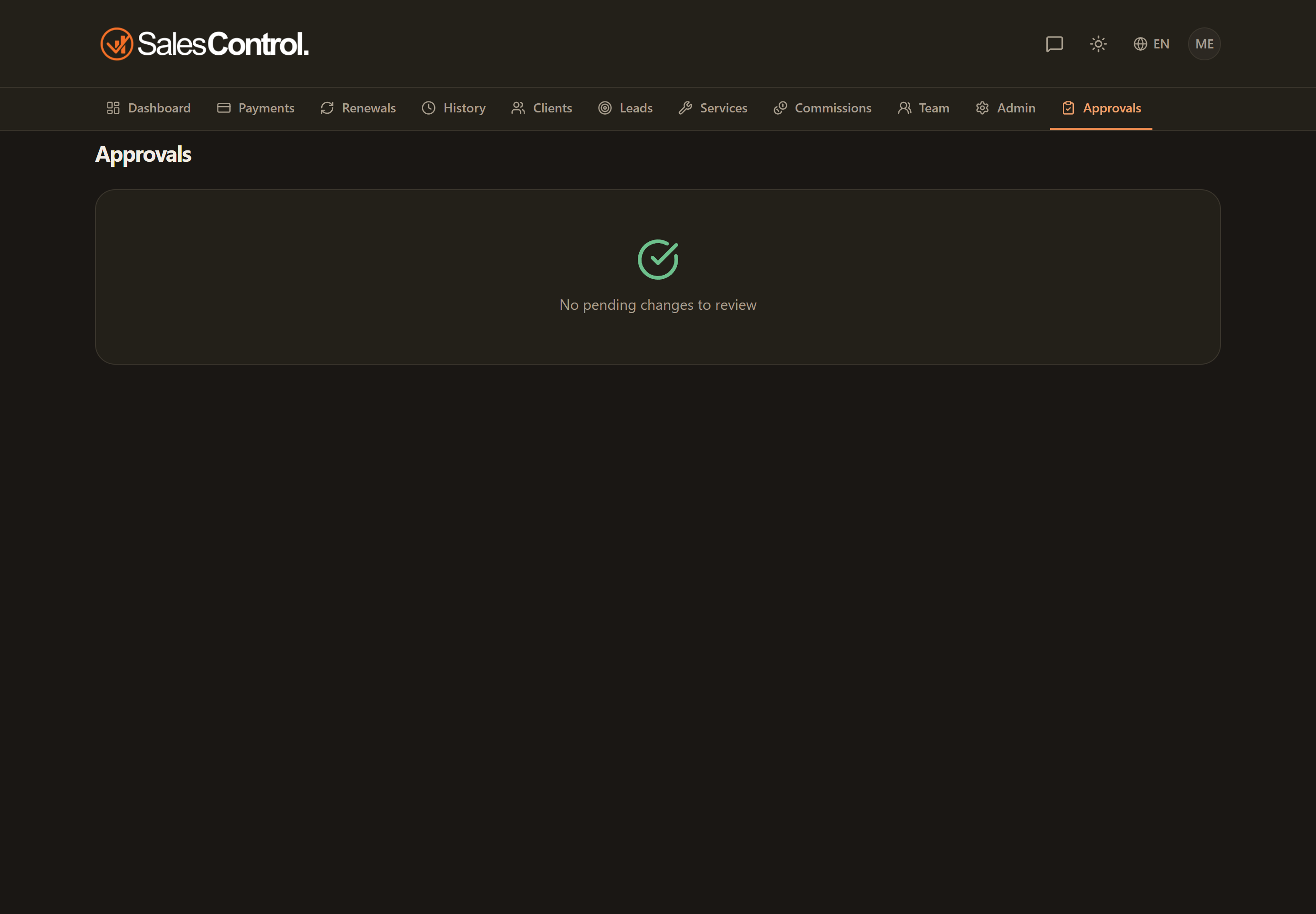
Where to find it
Open the Approvals page from the navigation. A badge next to the item counts the requests still pending, so you know at a glance whether there is anything to review.
What goes to approval
The queue collects changes to the critical contract fields proposed by non-admin members: payment type, service, value and duration. These are the fields that affect the payment plan and the calculations, which is why they go through a review.
What you see for each request
Each item shows who proposed the change and the old → new comparison, so you understand exactly what would change before deciding.
Approve or reject
Read who proposed it and the comparison between the current value and the proposed value.
With Approve the change is applied to the contract.
With Reject the request is discarded; you can add a note to explain the reason to whoever proposed it.
Admins (and those with the can_edit_critical_fields permission) edit critical fields directly; for other members the change goes through this queue. See Edit or Delete a Client and Roles and Permissions.