Light and Dark Theme
SalesControl can be used with a light or dark look, depending on how you prefer to work. You switch the theme in one click and it’s remembered.
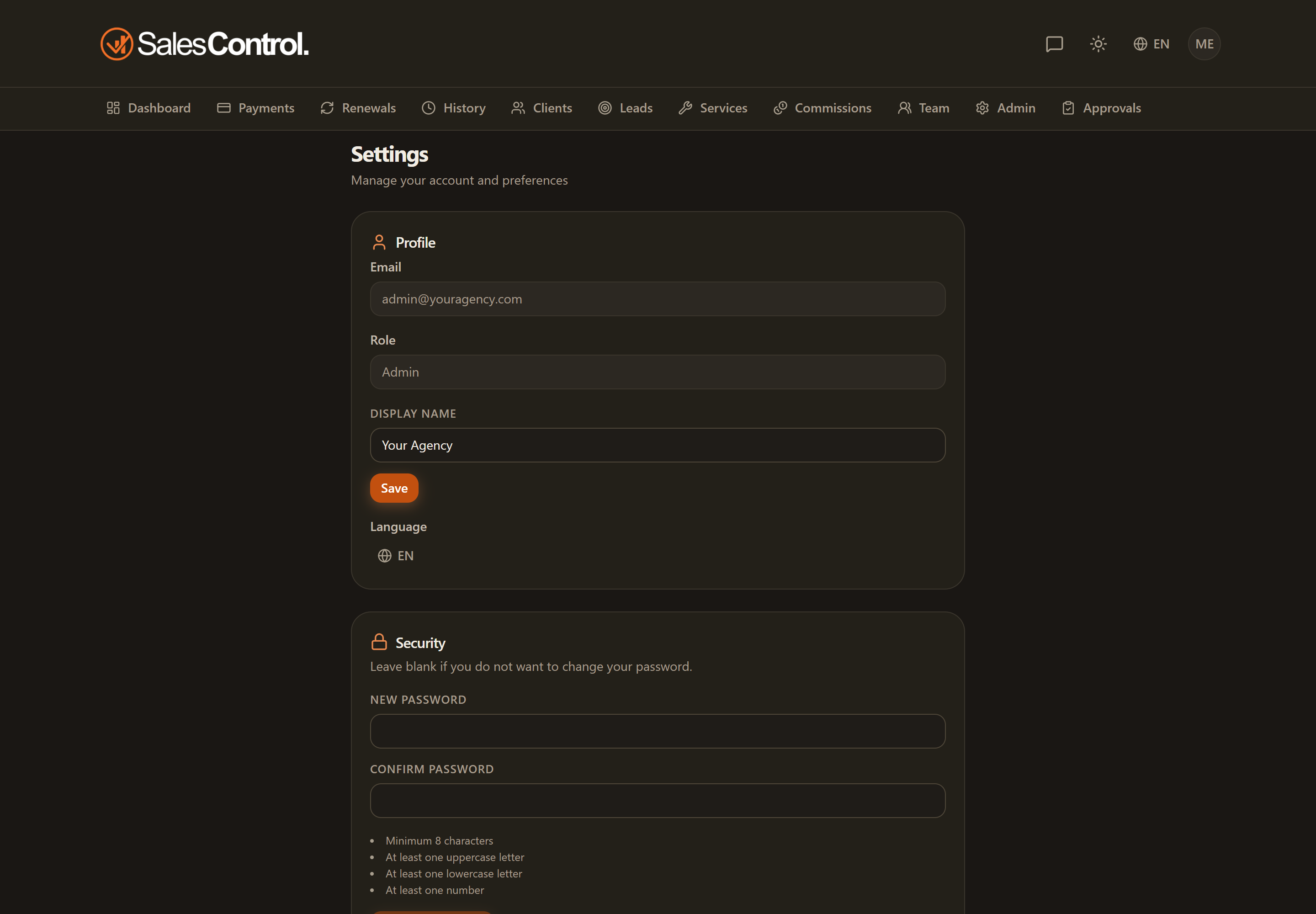
Where to change it
The theme switch is in the app header: look for the sun/moon icon. One click switches from light to dark and back, instantly.
Note
The theme is not in Settings: you change it only from the header.
Light or dark only
There are just two options: light theme and dark theme. There is no “system” mode that automatically follows your device settings: you choose which one to use.
Your choice is remembered
The theme preference is saved to the browser you’re using: reopening the app from the same browser brings back the theme you had chosen. If you log in from a different device or browser, you may need to set it again there.