Profile and Language
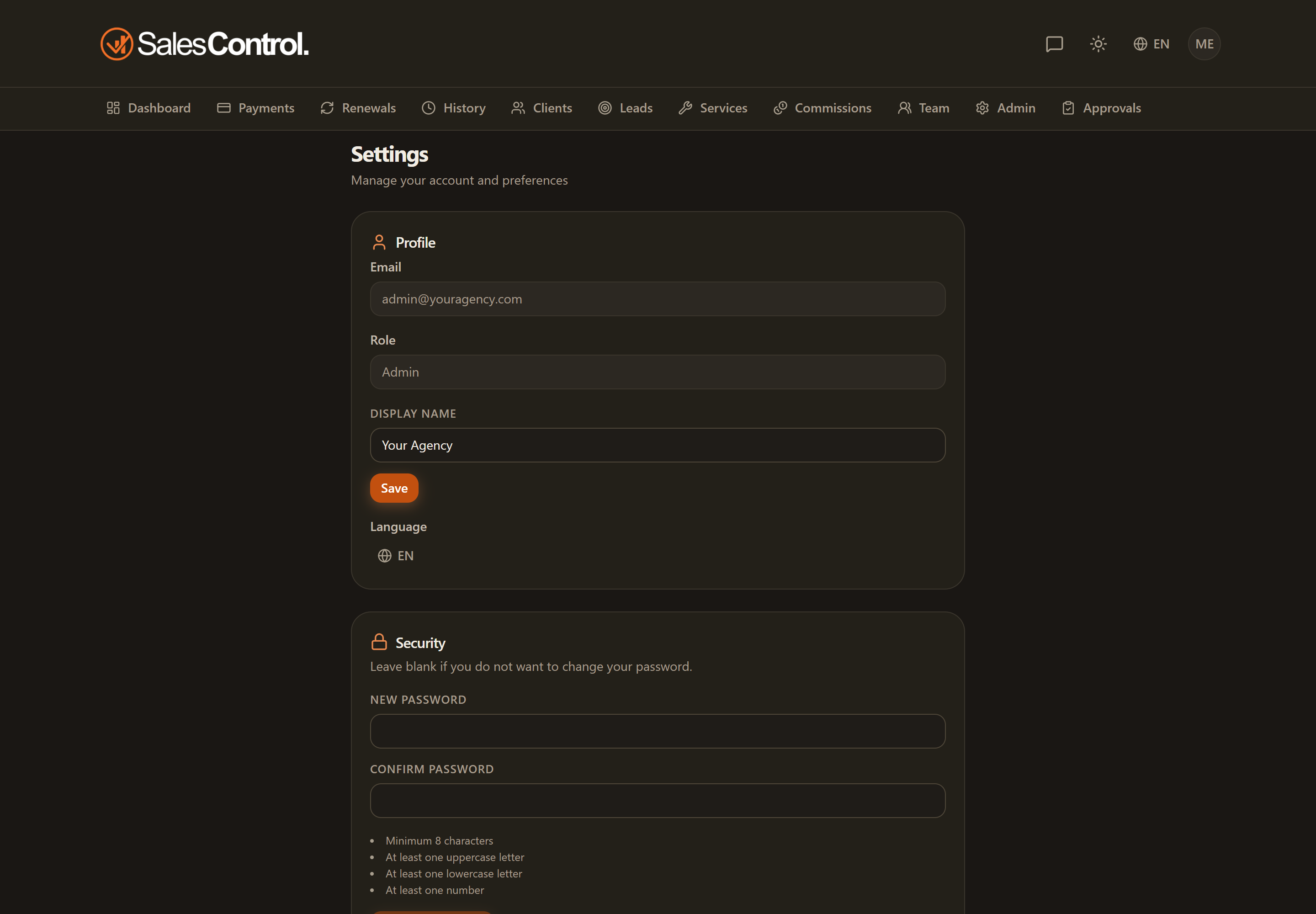
In your profile you set how you appear in the app and which language you want to use it in. These are personal preferences, saved to your account and valid on any device you log in with.
Changing the language
The language is changed from Settings › Profile, in the language selector.
Your choice is saved to your profile: you’ll find the same language at your next login, even from another browser or phone.
Available languages
SalesControl is translated into five languages:
- Italian
- English
- Spanish
- German
- French
Editing your display name
Also in Settings › Profile you can change your display name, that is the name you appear under in the app (for example in logs and attributions). Edit it and save.
Tip
The light/dark theme is not part of the profile: you change it from the app header. See Light and Dark Theme.