Automatic Payment Generation
You don’t have to create the installments by hand: when you register a client, SalesControl automatically generates the payment plan based on the type of contract. And when something changes (editing a critical field or a renewal), the plan updates itself while preserving what you have already collected.
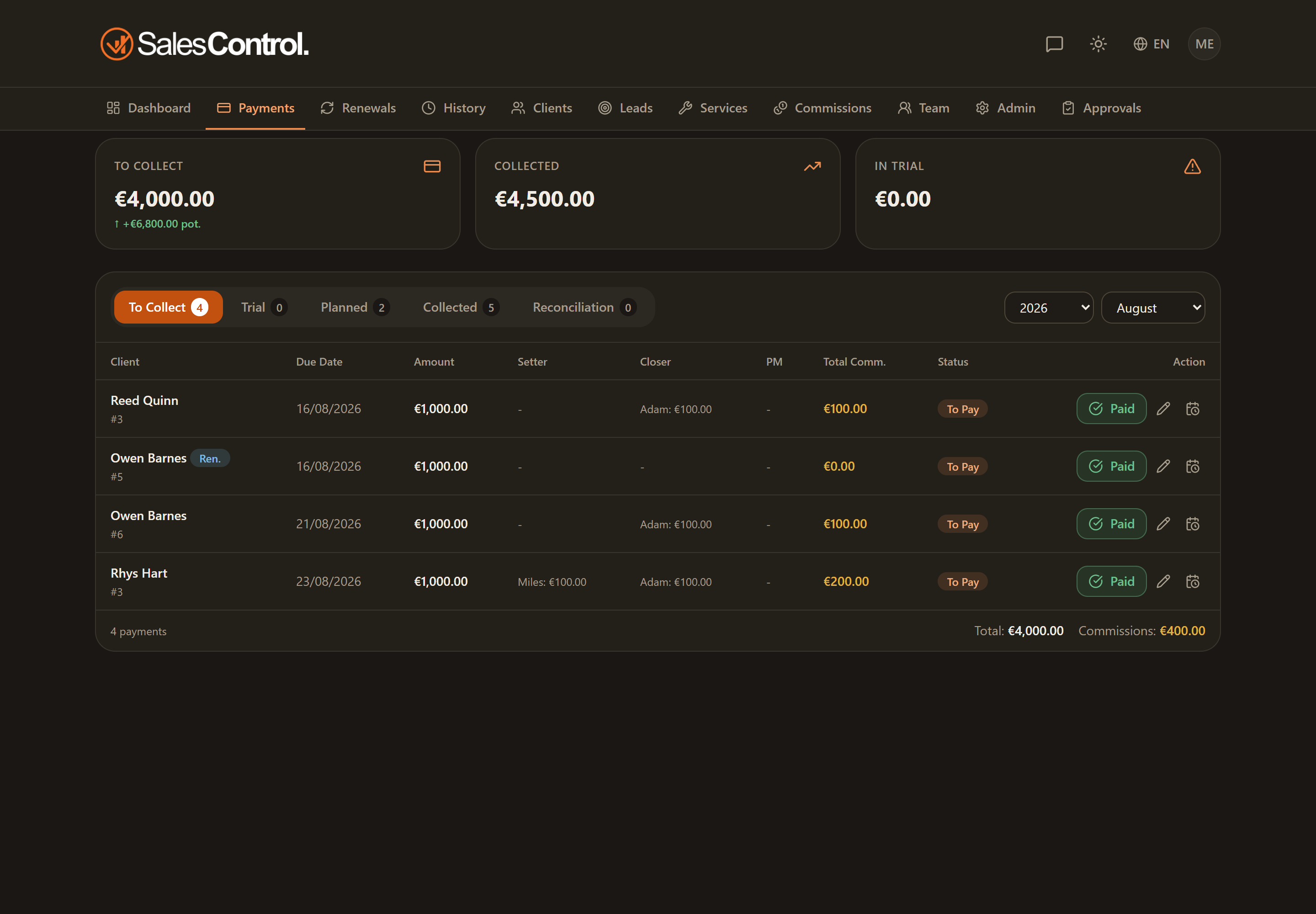
At client creation
As soon as you create a client, the payment plan is generated automatically according to the contract’s payment type:
- Upfront — a single installment is created with the full value.
- Monthly — N installments are created, one per month, a month apart from one another.
For shorter months the due date is adjusted: if the start day doesn’t exist in the target month (for example the 31st), the date is brought back to the last valid day of that month.
When the plan regenerates
The plan is not set in stone: it regenerates in two situations.
Editing a critical field
If you edit a critical field of the contract (service, duration, value, payment type), the app regenerates the pending installments, first showing you a confirmation dialog with the impact of the change.
Contract renewal
When you renew, the installments not yet paid are archived and recreated according to the new contract, numbering them after the last installment already paid. The installments already collected stay untouched.
To change a client’s service or plan you don’t need to delete and recreate the client: just edit them, and the pending payments regenerate on their own (with the impact confirmation). The history and the installments already collected are preserved.
Stripe collections and the due day
If the agency uses automatic Stripe collections, the first collection that arrives by card can realign the due day of the still-open installments, anchoring it to the actual day of the charge. Learn more in Billing Anchor and Dunning.