Assigning Multiple Project Managers
A client can be handled by more than one Project Manager. SalesControl lets you assign several to the same contract, each with their own commission.
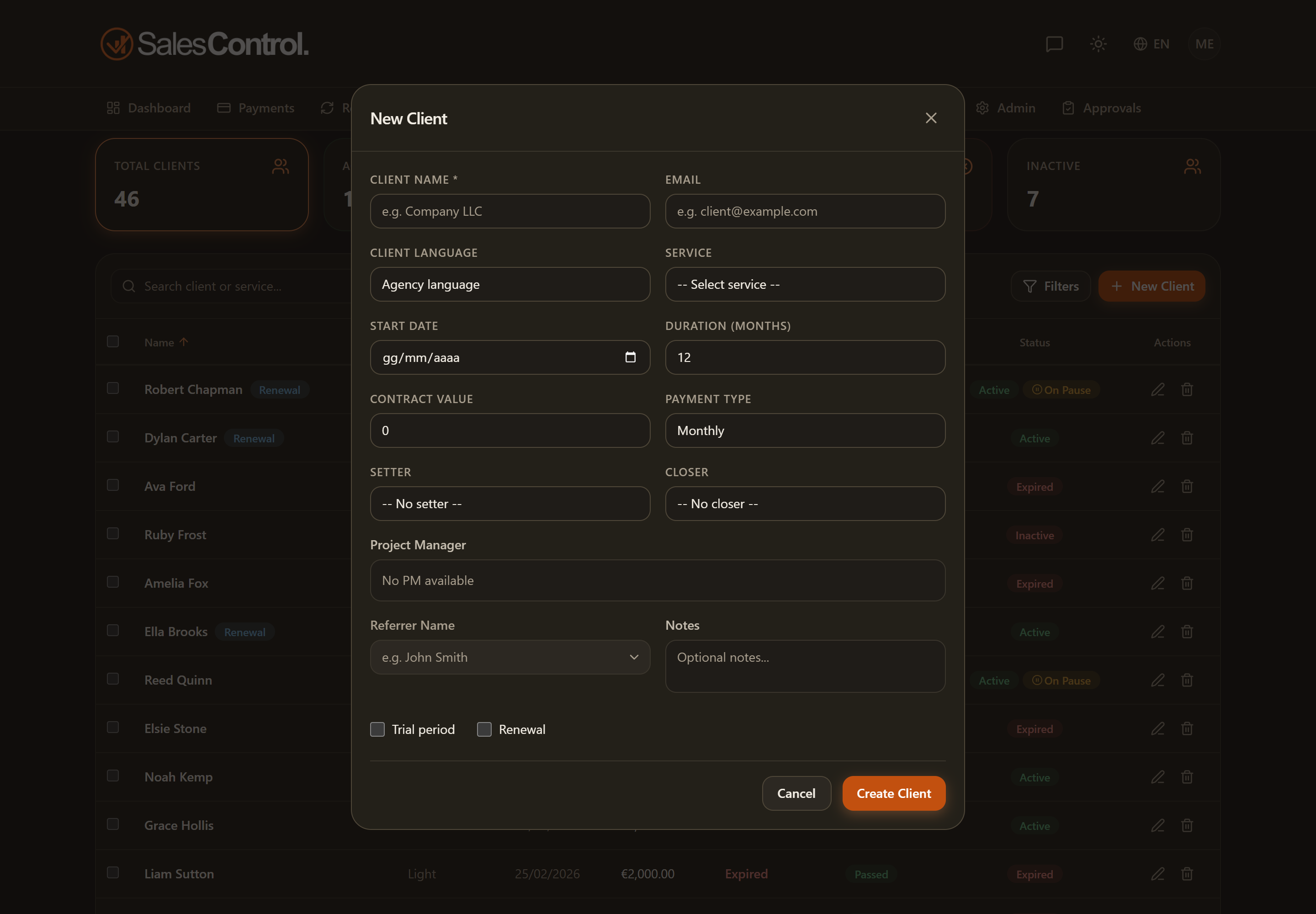
How to assign them
In the client form (when creating or editing) the PM field accepts multiple members: you add them as chips, one after another. Remove a PM by taking off their chip.
Each PM’s commission
Every PM has their own commission, which does not depend on the service but is configured in the member’s card under Team. So each PM assigned to the client accrues the commission set on their profile.
If a PM commission doesn’t add up, check the member’s configuration in Team, not the service. See Configure a Member’s Commissions.
Where they appear
The individual PMs’ commissions appear on the Commissions page, with a per-member breakdown, and in the Commissions tab of the client detail page.